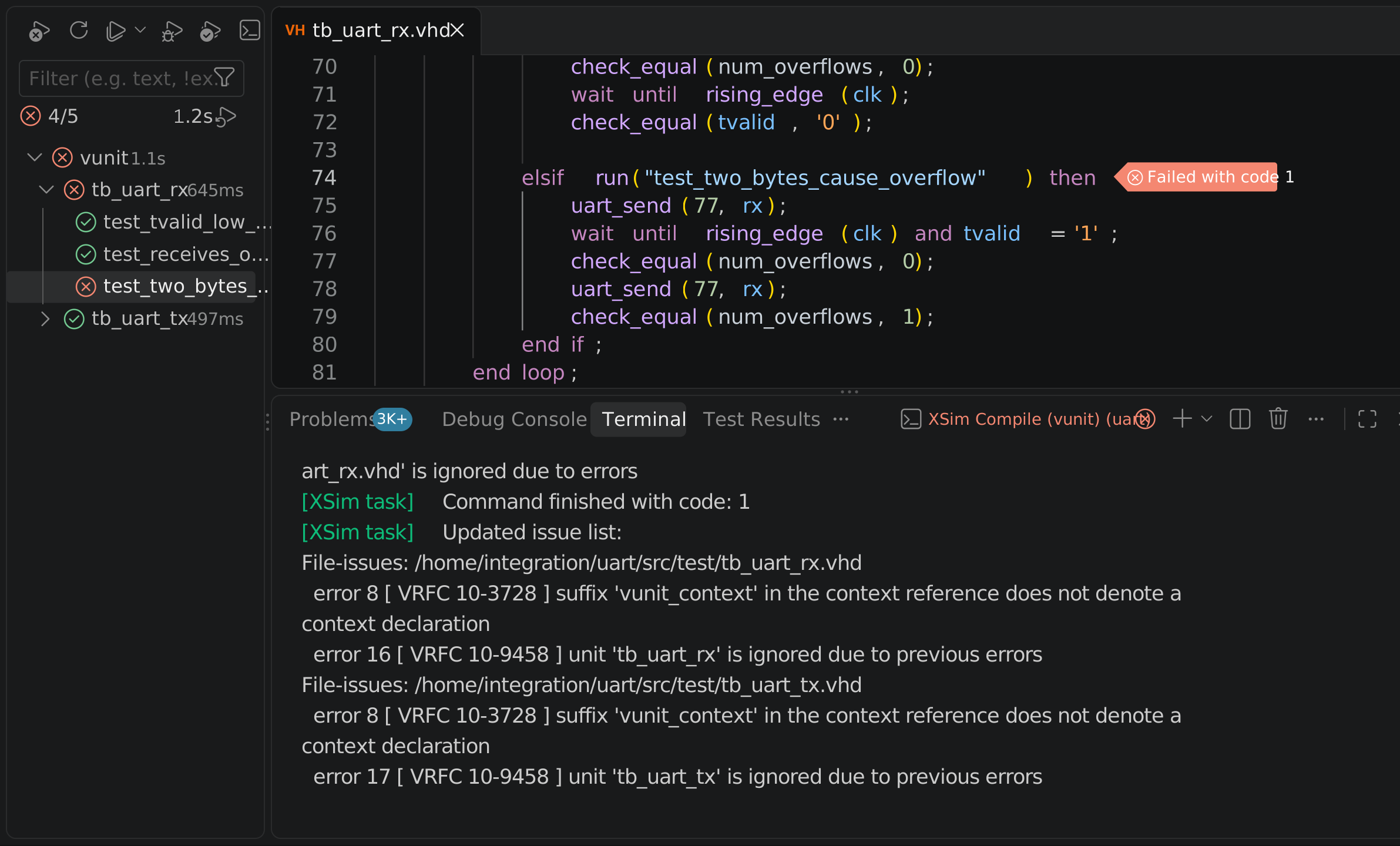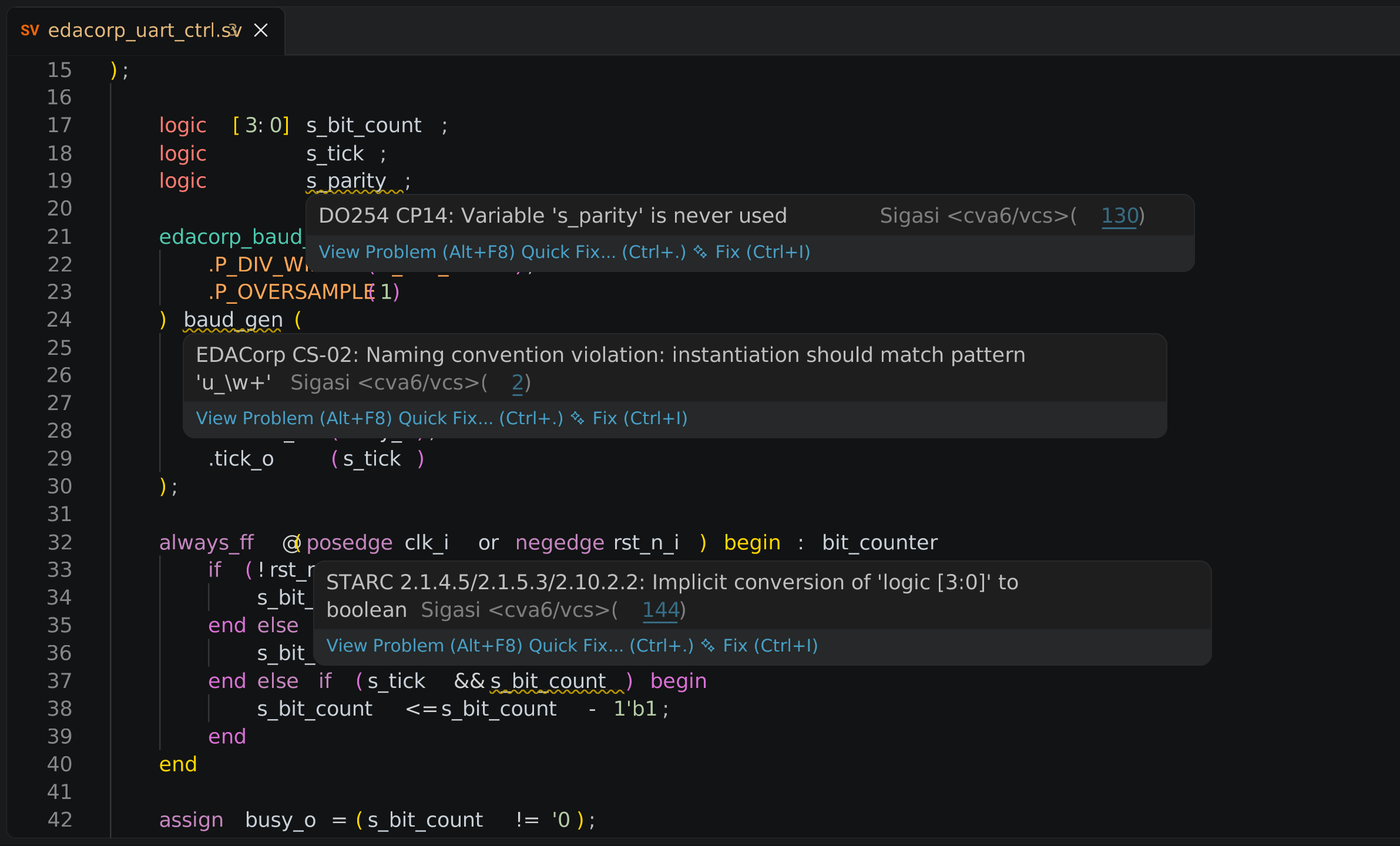
Speed.
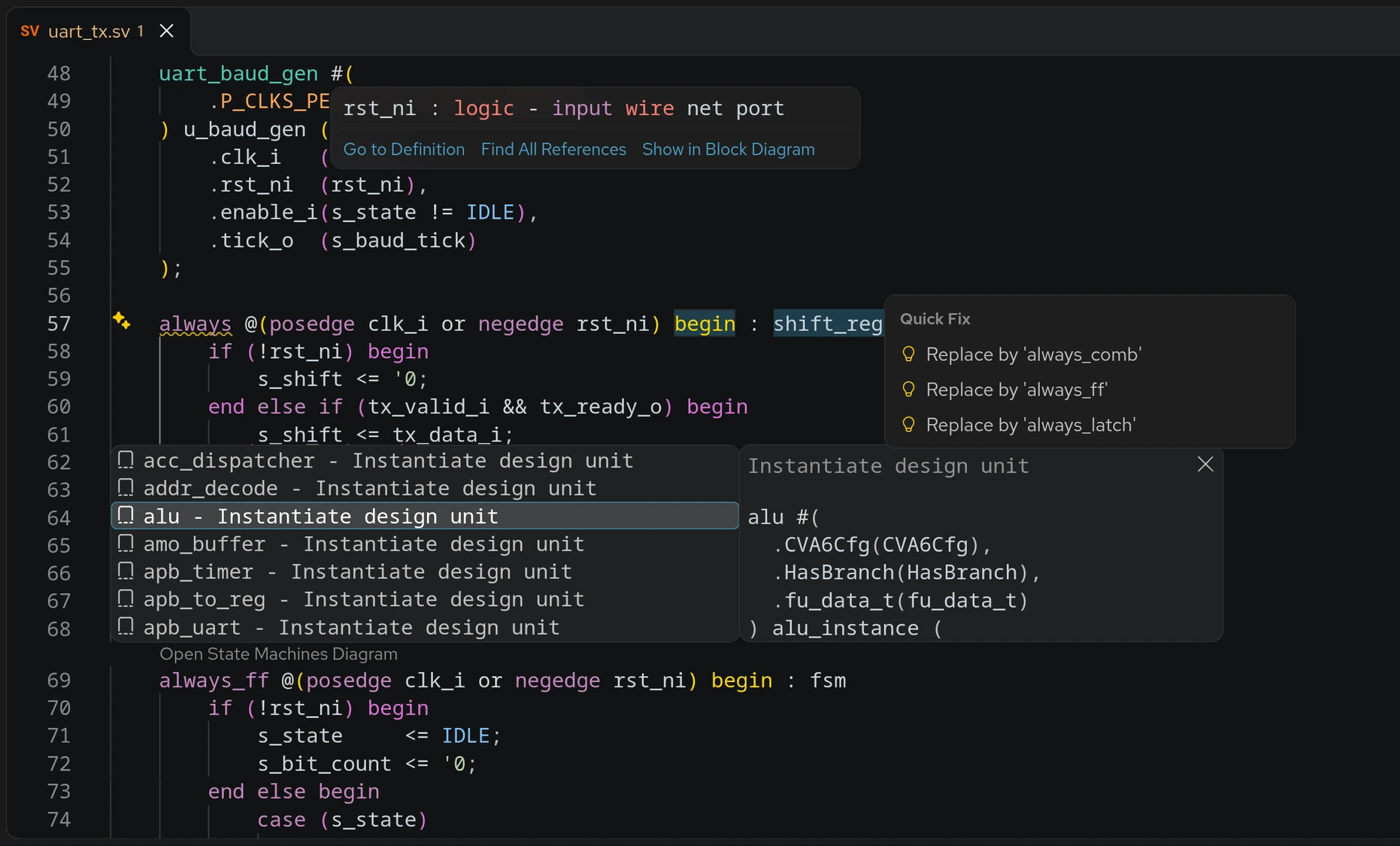
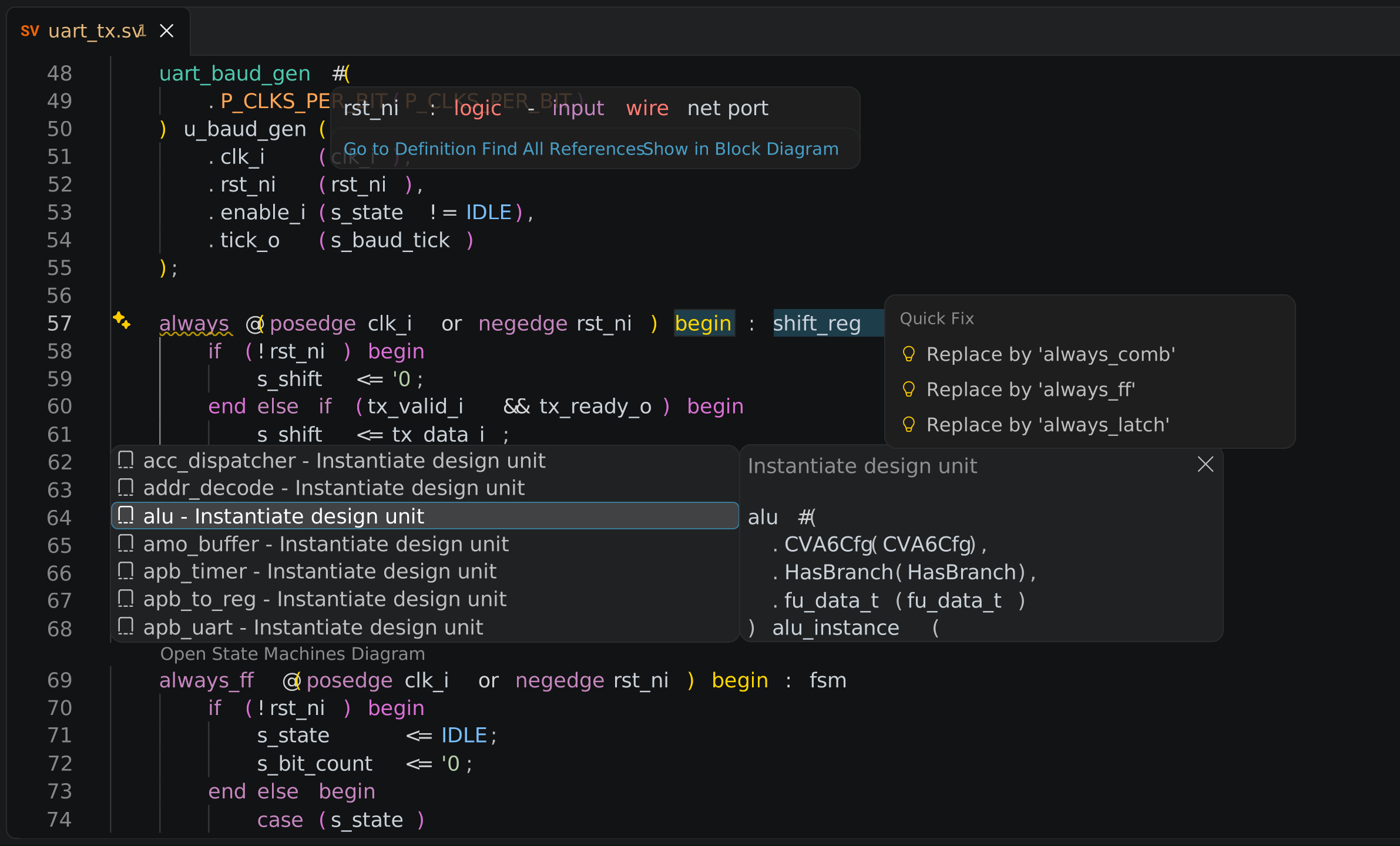
Diagnostics while you type, not after the next run, while you still know what you were doing.
Where is this type declared, which library does this resolve to, what does this block actually connect to, and did that port list change? Sigasi builds one model of your configured SystemVerilog, Verilog, VHDL and mixed-language project and answers those while you type, in VS Code, on your own machine. If you use a coding agent it gets the same answers. If you do not, nothing here depends on it.
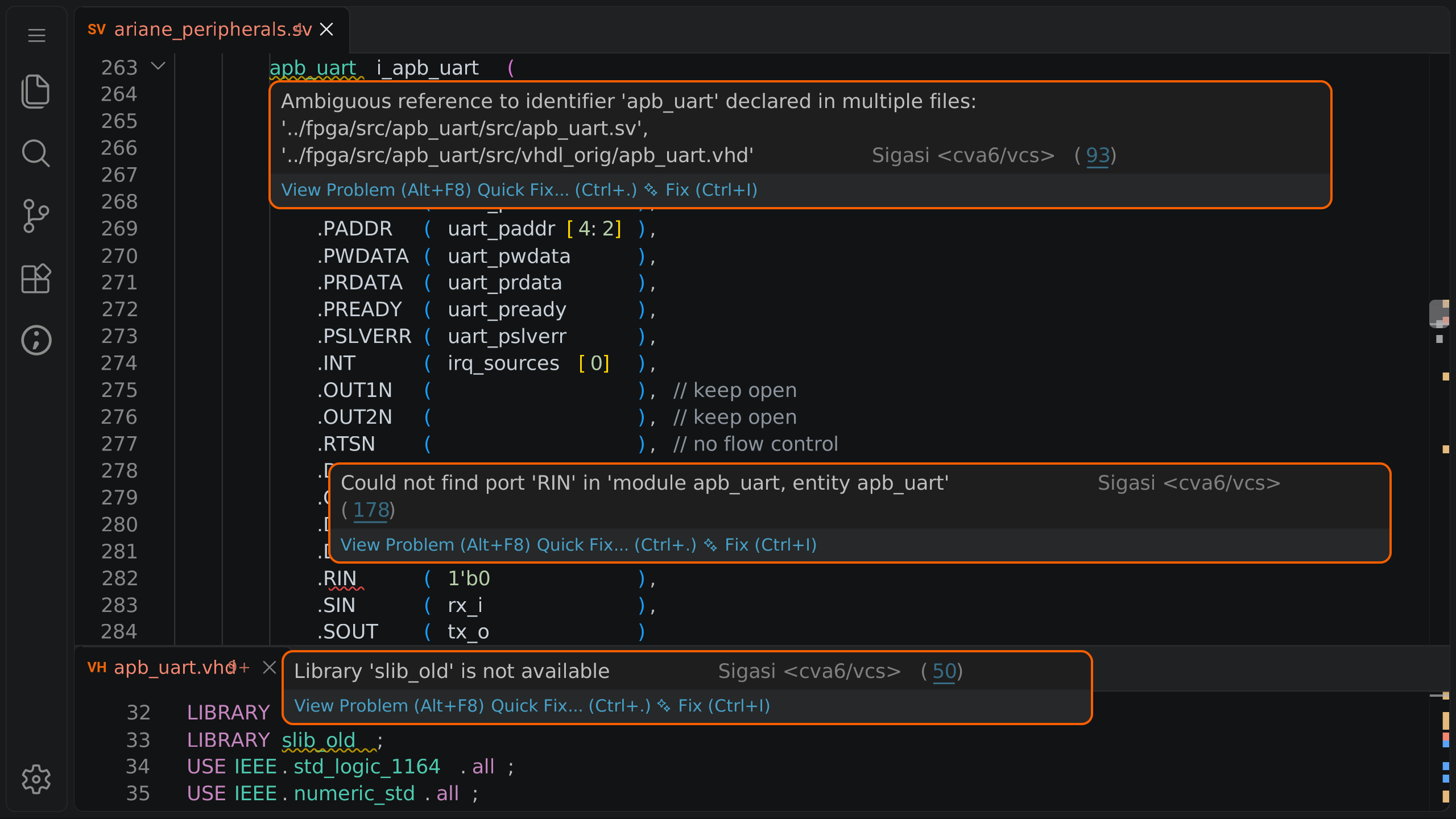
SystemVerilog · Verilog · VHDL · Mixed-language · UVM, UVVM, OSVVM, VUnit · Runs in VS Code · Analyzed locally, on your own machine
Diagnostics while you type, not after the next run, while you still know what you were doing.

Jump to the declaration across files, libraries and language boundaries instead of grepping for it.

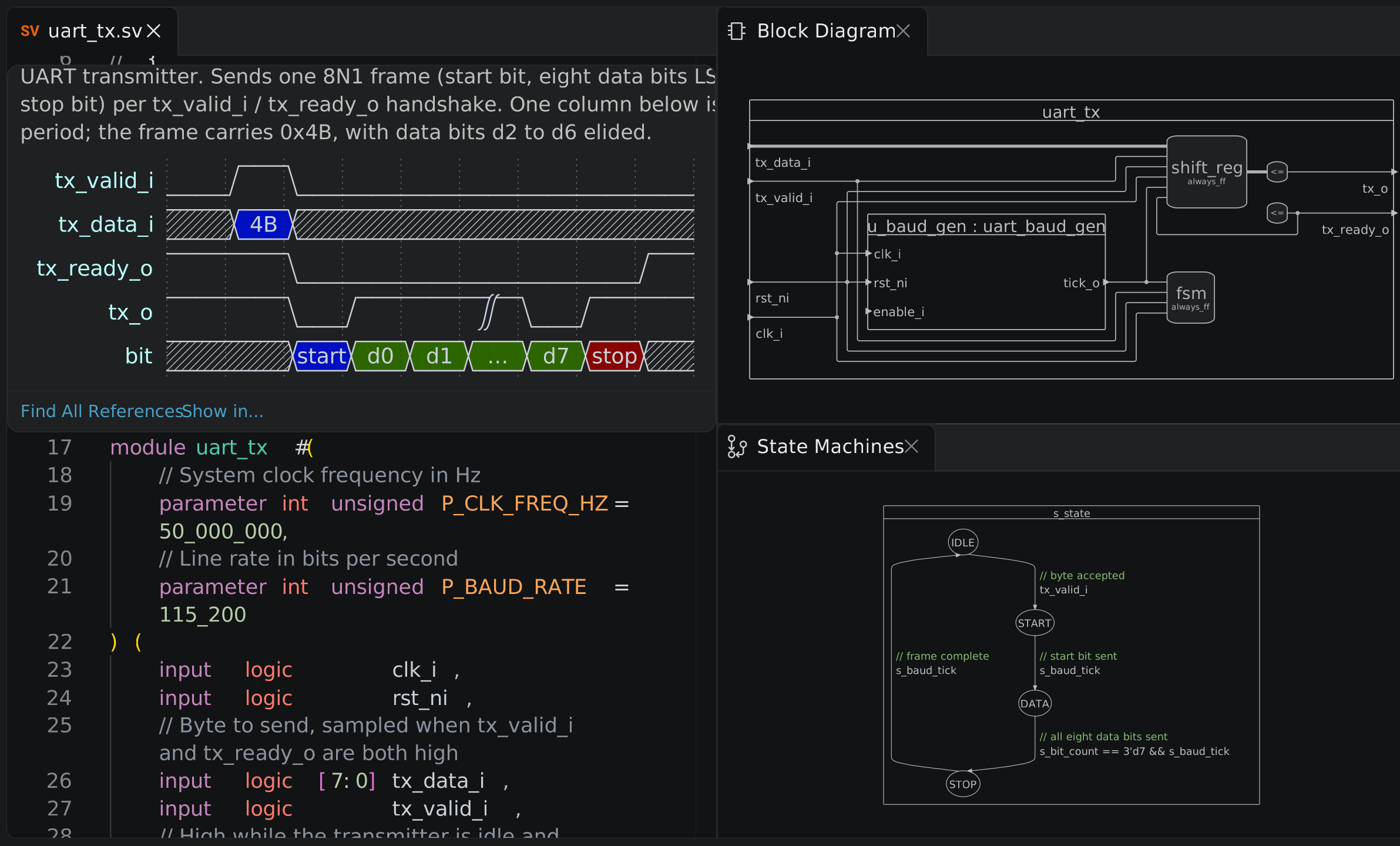
Block, state machine and hierarchy views generated from the source, so they cannot be out of date.

Semantic rename with a preview, so cleaning up a name does not become a two-hour diff review.

Your coding agent gets the real project and its answers are checked. You decide what moves downstream.
// acquisition_pkg.sv   (changed last sprint)
package acquisition_pkg;
	typedef logic [11:0] status_t;
endpackage

// top.sv   (not changed)
logic [7:0] status;

acquisition u_acq (
	.clk    (clk),
	.status (status)
);
Nothing in top.sv is wrong on its own. The fact that makes it wrong lives in another file, and an editor that reads the open buffer cannot know it.
Sigasi builds a model of the configured project, so the width is checked against the declaration that is actually in scope, in the configuration that is actually selected, while you are still in the file.
import acquisition_pkg::*;
import common_types_pkg::*;

mode_t mode;   // which package won?
Two wildcard imports, one name. Which one is visible depends on the compilation unit and the order the files are given to the tool, not on reading order, and it changes when somebody edits a project file you have never opened.
Go to declaration lands on the unit that this project resolves, across SystemVerilog, Verilog and VHDL. Find references returns the real references, not every string that happens to match.
-- VHDL architecture, SystemVerilog module
u_fifo : entity work.sync_fifo
	generic map (
		WIDTH => 32,
		DEPTH => 16        -- sync_fifo.sv declares DEPTH as int
	)
	port map (
		clk   => clk,
		rst_n => rst_n,
		wr_en => wr_en,
		din   => din,
		dout  => dout
	);
Legacy blocks in VHDL, a verification environment in SystemVerilog, purchased IP in whichever language it shipped in. The boundary between them is where project knowledge is thinnest and where a wrong assumption survives longest.
Both languages are in one model, so a cross-language instantiation is checked rather than taken on trust.
process (clk)
	variable data_valid : boolean;     -- a local, same spelling
begin
	if rising_edge(clk) then
		data_valid <= din_valid;     -- the signal you are renaming
	end if;
end process;
A text replace hits both. A semantic rename updates the declaration and its real references, leaves the unrelated local alone, and shows you the preview before anything changes.
That is the difference between fixing a bad name and starting a two-hour diff review, which is why most bad names survive.
class axi_agent extends uvm_agent;
	`uvm_component_utils(axi_agent)

	axi_driver                drv;
	axi_monitor               mon;
	uvm_sequencer #(axi_item) sqr;
endclass
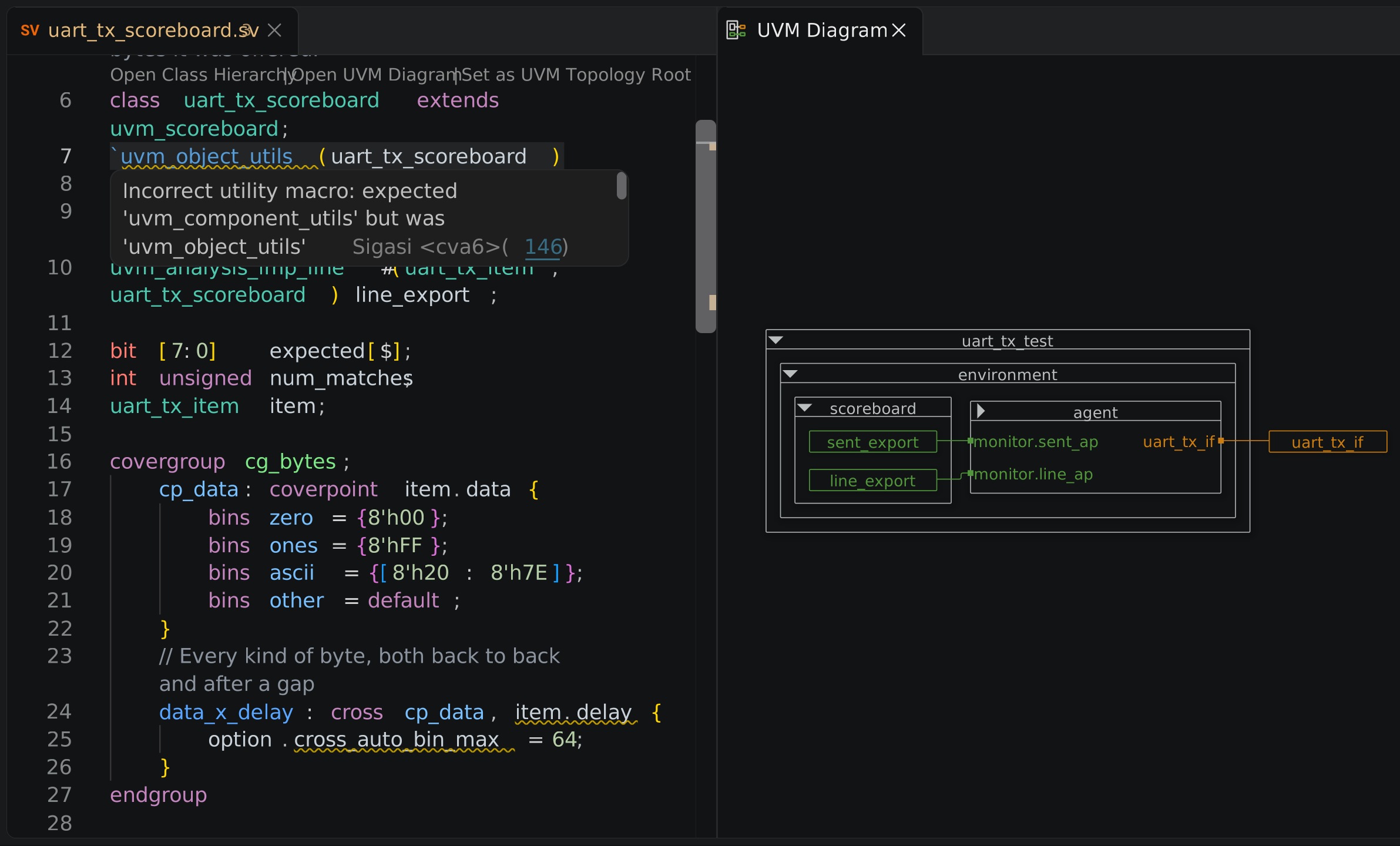
When a test will not run, the question is whether the problem is the design, the environment or the configuration. UVM-specific checks and a view of component hierarchy and connections answer that in the same workspace you read the RTL in, instead of by bisecting a log.
An agent reads source text. It does not read your library mappings, compile order, include paths, reused IP or team rules, because none of that is in the file.
Give it the project through MCP or the command line and two things change. ➊ It stops treating every error as a code defect, so when the real problem is a missing library it fixes the project configuration instead of rewriting correct RTL. ➋ What it proposes is checked by the same engine you use, rather than graded by the model that wrote it.
You still review the change. Sigasi does not generate RTL and does not decide.
Nothing above depends on it. The project model, the diagnostics, the navigation, the rename and the diagrams work the same whether an agent is involved or not.
Analysis runs locally, on your machine or inside your own network. Project files are not sent to Sigasi servers for semantic analysis. Telemetry is optional on a commercial license and does not transmit HDL source. A connected coding agent is a separate component with its own data handling, worth checking on its own terms.
It does not generate RTL. It does not replace your simulator, formal tools, synthesis or sign-off, and it does not catch everything: it runs the checks it documents, over the scope it is given.
It is also not a linter you have to appease. Rule severities are configurable per project, per folder and per file, so inherited and third-party source code can be treated differently from code you own.
The trial is free, runs the Enterprise Edition, and the license file arrives by email within the next business day. A field application engineer will set it up with you at no charge, on your own libraries, compile order and hierarchy rather than a demo design, because that is the only thing that tells you whether it holds up.
Community Edition unlocks the Enterprise feature set free of charge for academic and non-commercial work, with no project size limit.
Request a trial, or book a session if you would rather have someone walk you through it on your code.
Sigasi parses the full project, not the open file: hierarchy, types, scopes, dependencies, interfaces and references across SystemVerilog, Verilog and VHDL. That shared model is what lets an engineer, a reviewer, a coding agent and your CI ask the same question and get the same answer.
Five short recordings of the product doing the work described above. No sign-up.
View all screencasts Incremental real-time compiler
Context-aware feedback, linting and completion as you type
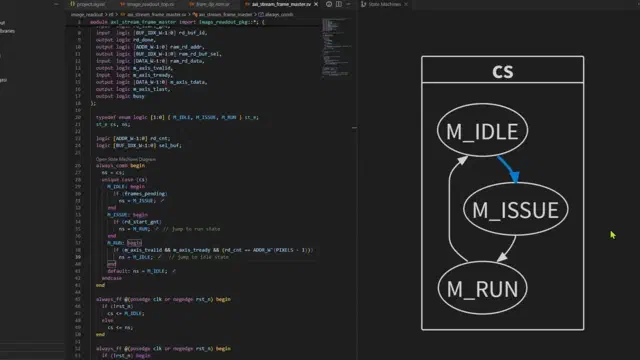 Interactive visual design creator
Block and state machine diagrams generated while you type
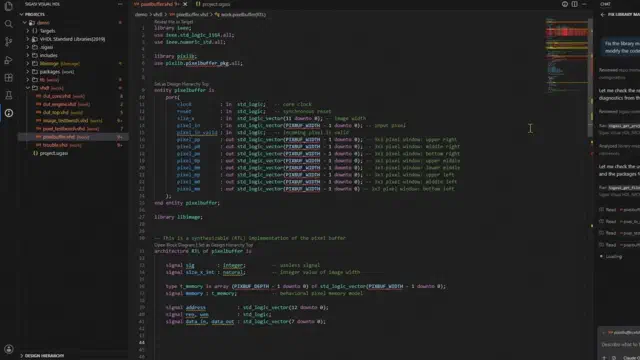 Dependency analysis
Spot missing mappings and broken includes instantly
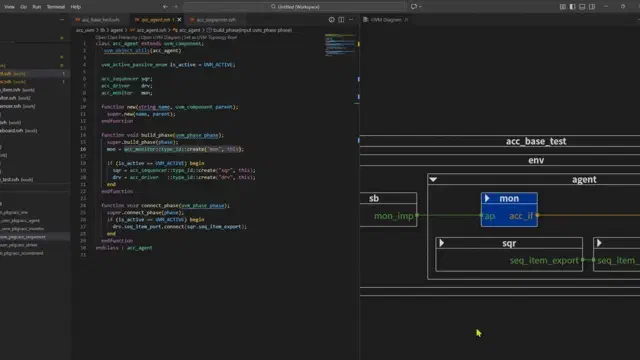 Verification accelerator
Debug UVM, UVVM, OSVVM, VUnit and Cocotb faster
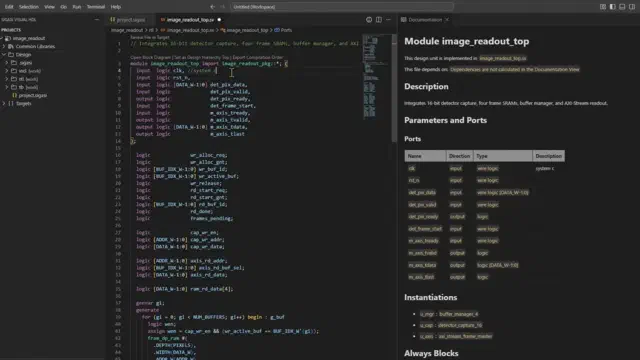 Up-to-date documentation
Documentation generated from the design, always current
The trial is free, runs the Enterprise Edition, and a field application engineer will set it up with you on your own libraries and hierarchy rather than a demo design. The first thing worth knowing is whether it holds up on your code.