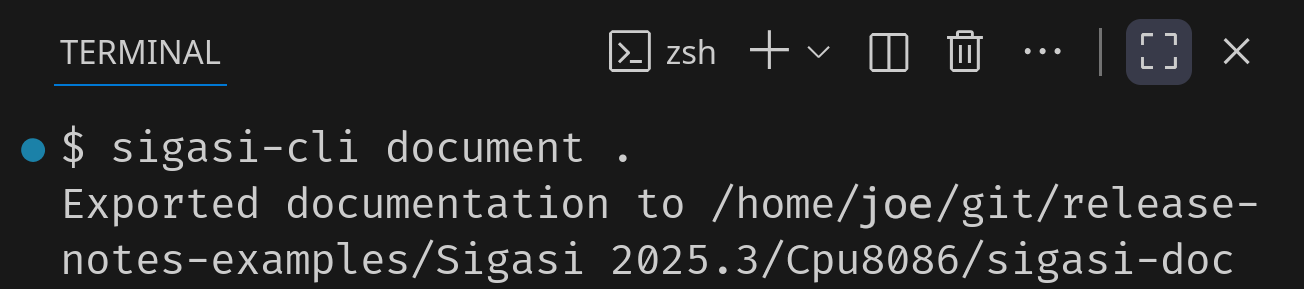
You can run the Sigasi CLI directly from VS Code’s terminal. It will reuse the Enterprise license checked out by the Sigasi extension. The standalone CLI is also available for use without installing VS Code, but it requires a separate Enterprise (CI) license. Other than the license type, the CLI behaves exactly the same.
Troubleshooting
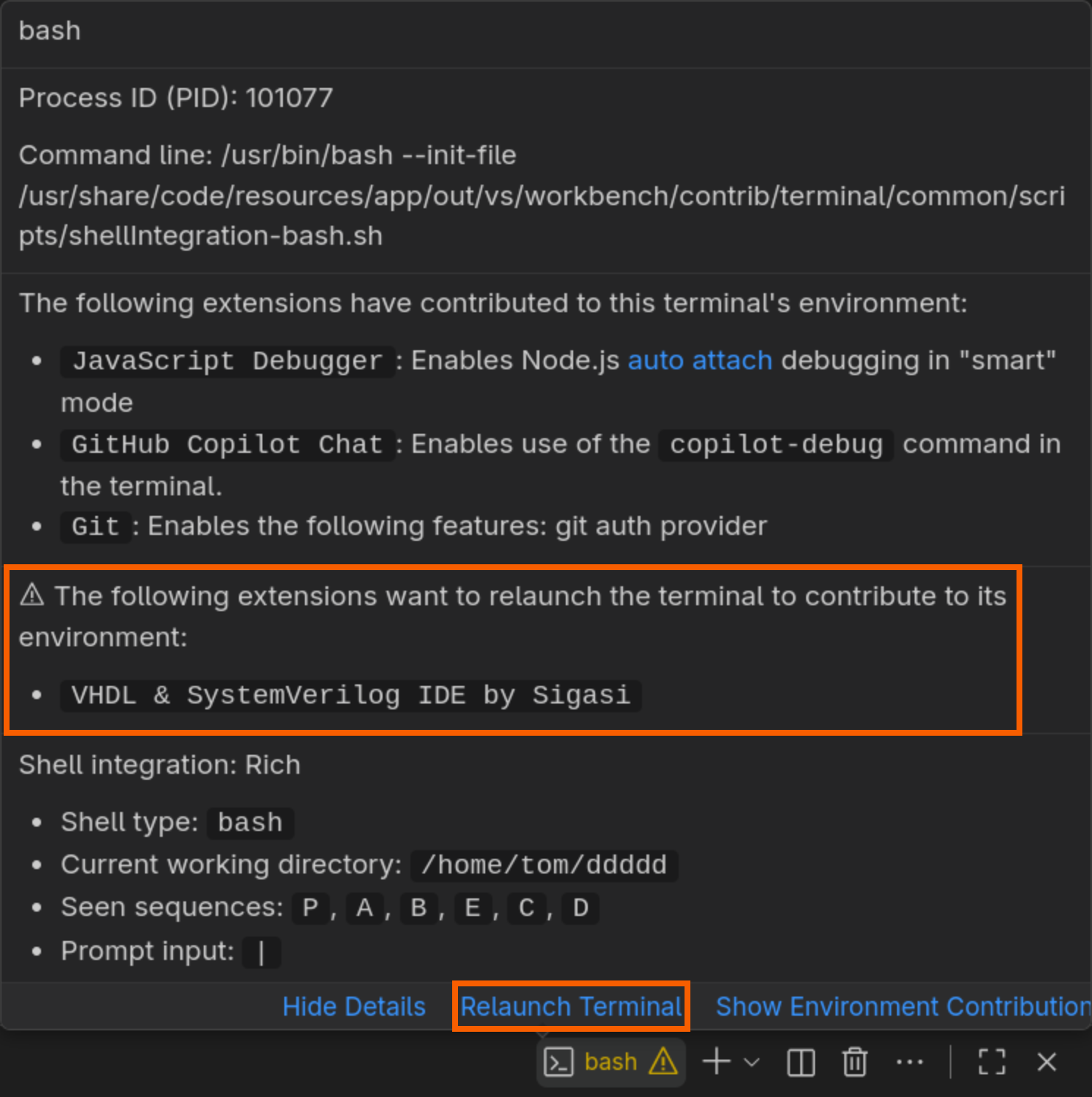
In the background, Sigasi appends to the PATH variable in VS Code’s terminal to automatically make the sigasi-cli command available.
As a result, on your first install—or when updating to 2025.3—you might see the warning below on your terminal. Simply click the Relaunch Terminal button to enable Sigasi CLI support in your terminal.