There are a few instances where autocomplete can help reduce language-specific boilerplate.
Inserting an include file
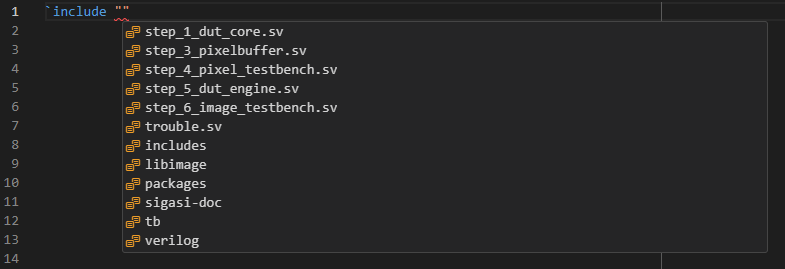
Making a typo in the filename of an `include causes swarms of errors. To prevent this, you can simply press Ctrl+Space
between the double quotation marks of an include directive. You’ll be presented with all the files and folders reachable from
your current include path. If you select a folder, trigger autocomplete again to get completions in this folder.
Declaring a component
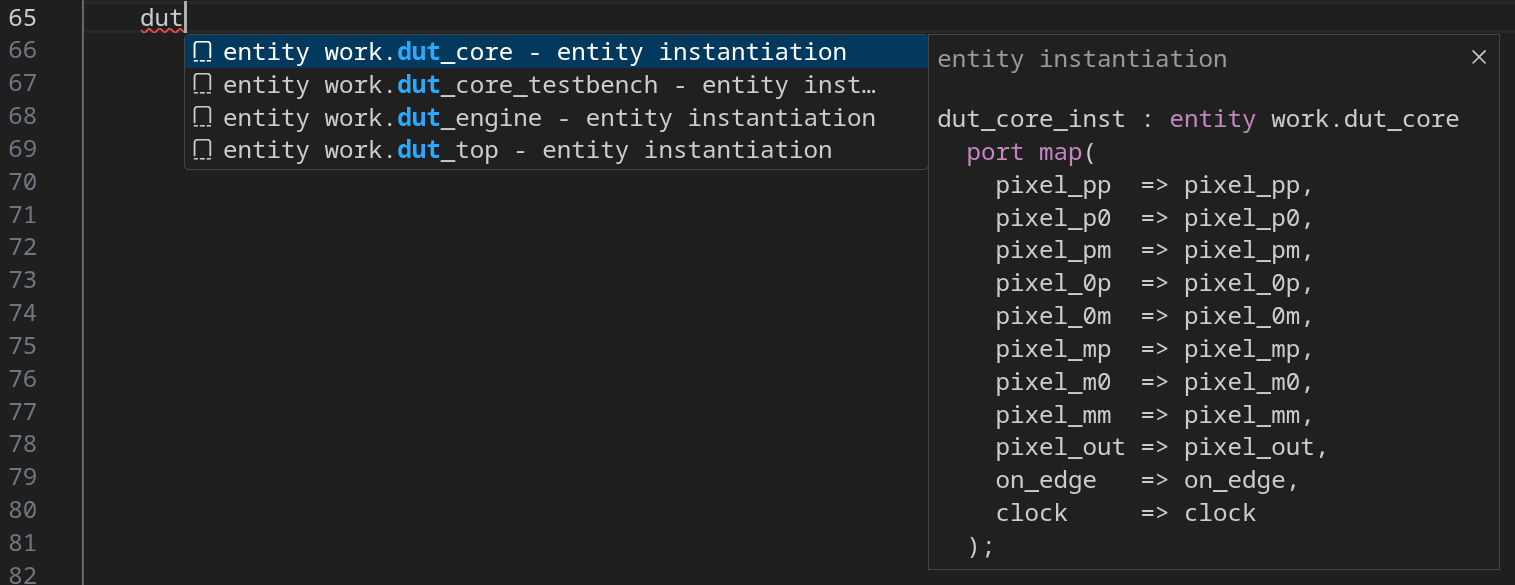
If you want to create an instantiation based on a component (as opposed to a direct entity instantiation), you first need to associate an entity with a component. Sigasi can automatically declare a component for an existing entity. In the place where you would normally enter the component name, use autocomplete instead to show the list of available entities. Upon selection, the tool will automatically complete the component declaration.
Type conversion
In VHDL design, you need to do a lot of type conversions, and Sigasi’s
autocomplete functionality can help you here. Put a period (.)
after the element you want to convert, and select an autocomplete suggestion with a description like convert to ....
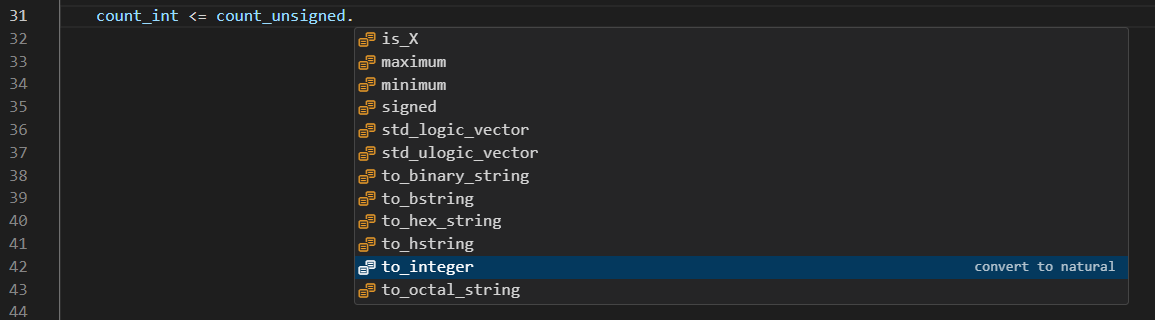
Once you select the desired conversion function, Sigasi will insert the conversion code.
