You can open the Preprocessor View by clicking the Sigasi logo  in the editor toolbar (top right) and selecting Open Preprocessor View. Alternatively, you can open the view using the command palette
and typing
in the editor toolbar (top right) and selecting Open Preprocessor View. Alternatively, you can open the view using the command palette
and typing Sigasi: Open Preprocessor View.
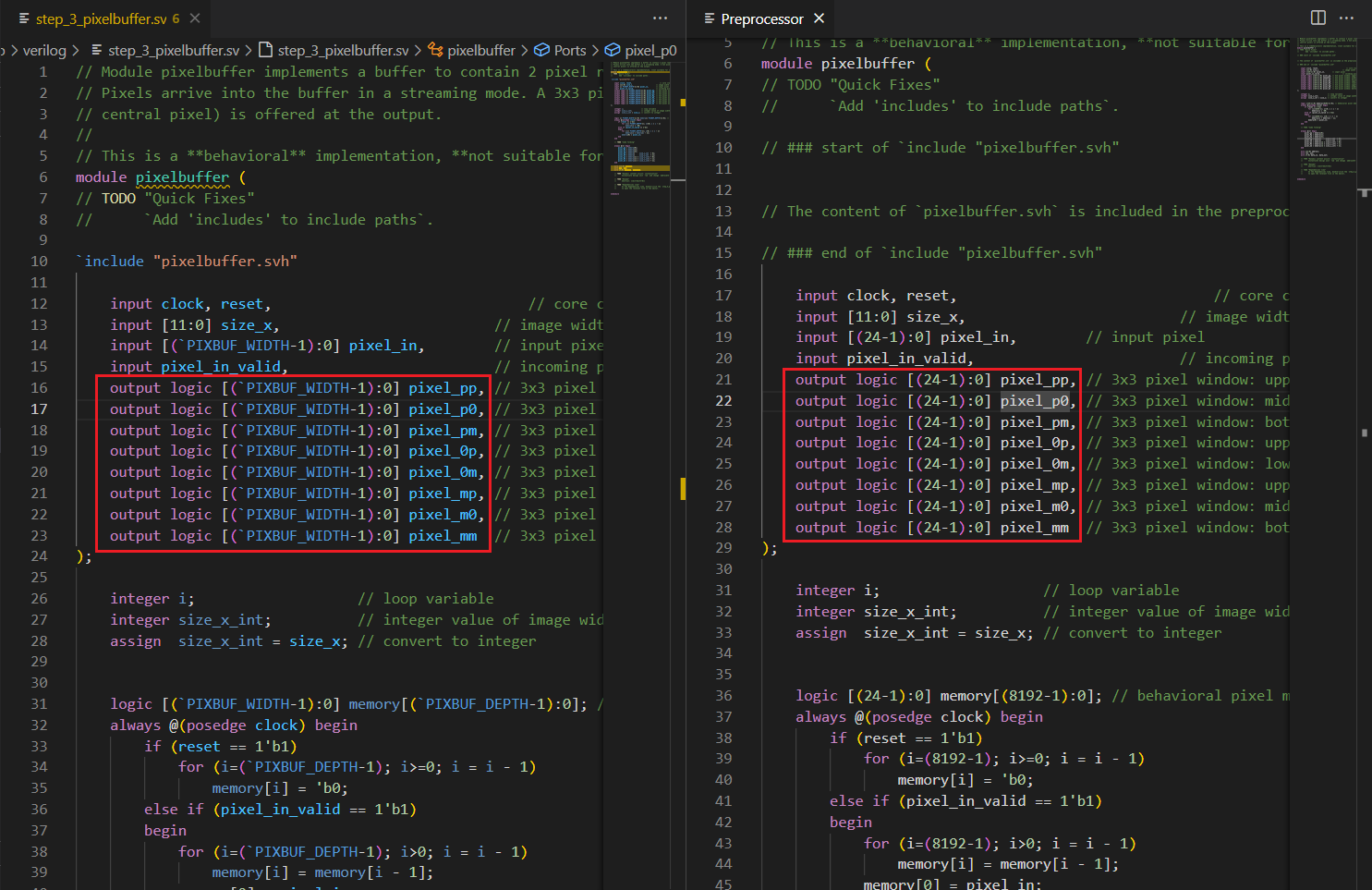
You can open the Preprocessor View by clicking the Sigasi logo in the editor toolbar (top right) and selecting Open Preprocessor View. Alternatively, you can open the view using the command palette
and typing Sigasi: Open Preprocessor View.