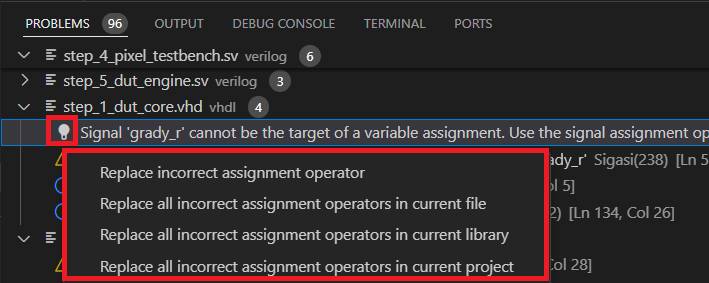
Problems that have markers can be resolved automatically through a Quick Fix. To see whether a Quick Fix is available, hover over a problem underline.
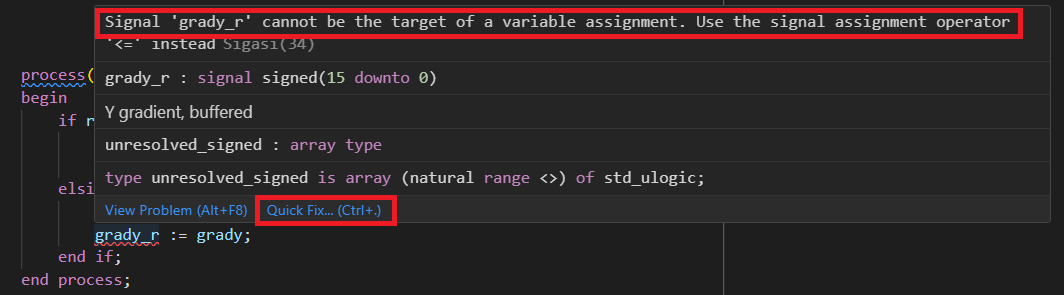
Then click Quick Fix… and select one of the Quick Fixes from the list.
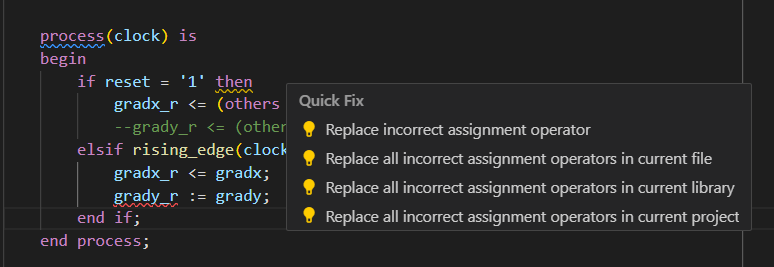
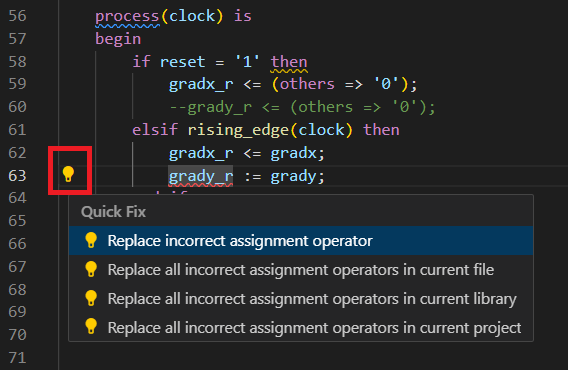
You can also click on the problem marker to make a lightbulb icon appear at the beginning of that line. Clicking the lightbulb will make the Quick Fix list appear. You can then select one of the Quick Fixes from the list.
Finally, you can also trigger Quick Fixes from the Problems View by hovering over a problem and clicking the lightbulb icon that appears.