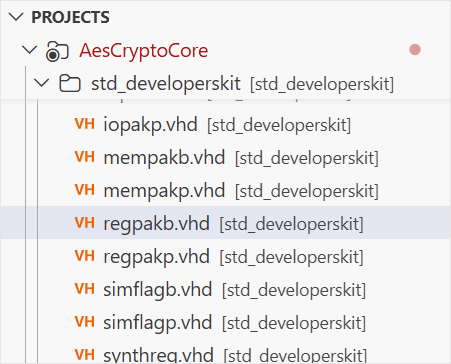
You can use sticky scroll to navigate through your HDL code more easily. Sticky scroll keeps the parent objects at the top of the editor, even after they’ve scrolled out of the viewport. Clicking on a sticky element will jump to it. The elements that stick are based on the regions in the Outline view.
You can enable or disable the feature through the editor.stickyScroll.enabled
setting.
Sticky scroll is also available in VS Code’s tree views, such as the
Explorer view
, as well as the terminal. You can toggle these using the workbench.tree.enableStickyScroll
and terminal.integrated.stickyScroll.enabled
settings.