To look for occurrences of a given identifier throughout your design, place your cursor on the identifier and right-click. Then select Go to References.
An inline “peek window” will be shown, displaying all occurrences of the selected identifier. You can easily navigate through all occurrences by clicking the items in the list. Note that all occurrences are also highlighted in the editor, making them easily recognizable.
Find references only finds true references, no occurrences in strings, comments, etc. If you’re also looking for those, use search.
If you prefer to see the results in the Primary Sidebar, choose right-click and select Find All References instead.
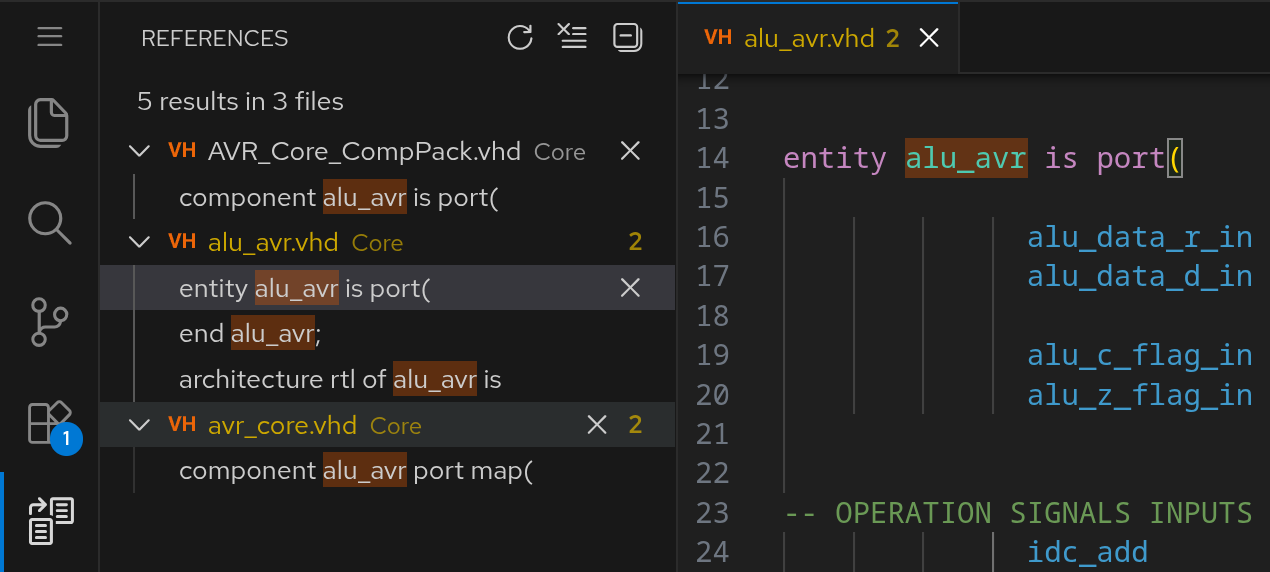
This view does not update automatically on code modification. Use the icon to manually refresh it.