You can easily navigate to the definition of any named construct, such as a port, signal, entity, etc. Place the cursor on the identifier,
right-click, and select Go to Definition. The editor immediately jumps to the definition.
You can also navigate your code like a web browser by clicking hyperlinks. When you hold down the Ctrl key, hyperlinks will appear in your editor. Clicking a link (while holding that Ctrl key) navigates you to the target of the link.
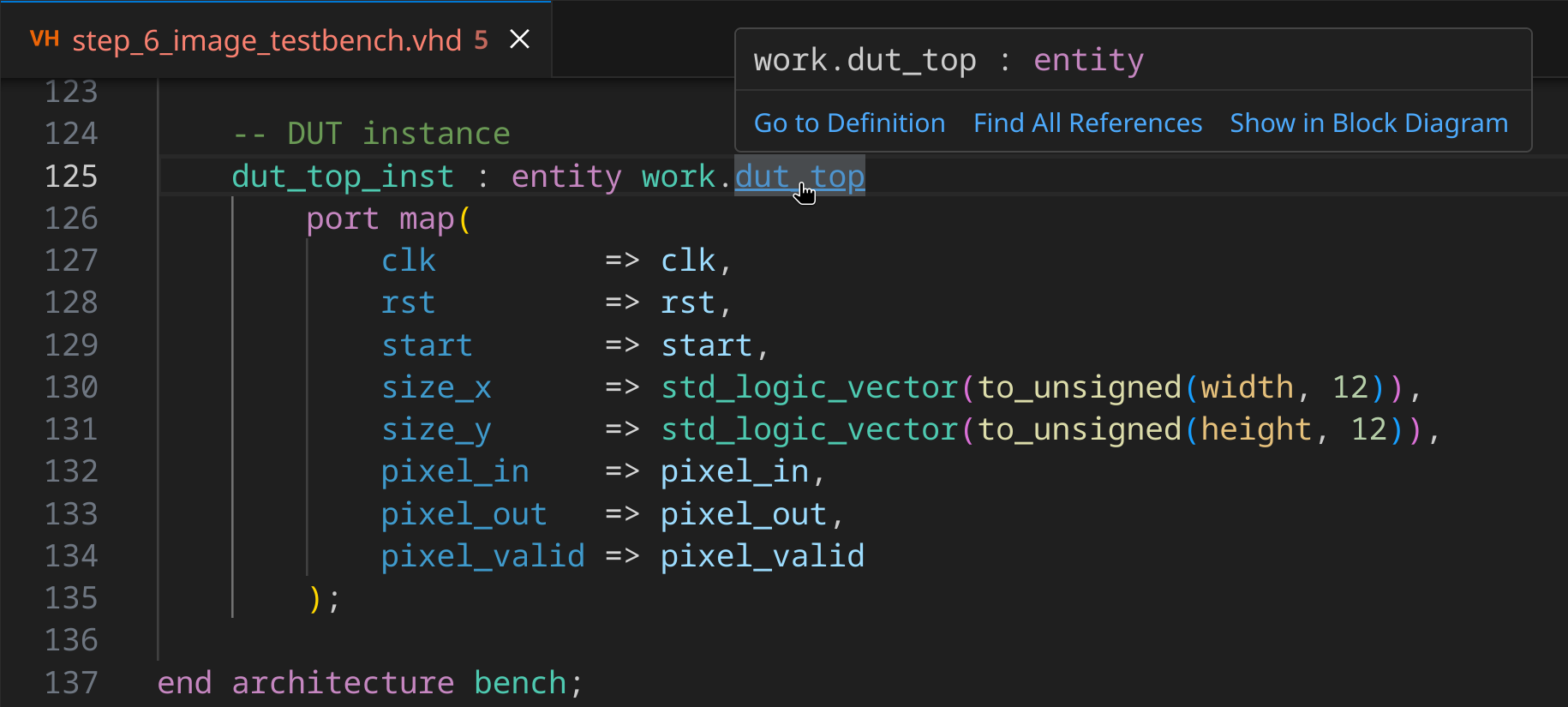
When Go to Definition on an identifier points to itself, VS Code performs a Find references search in a peek window. This behavior can be customized via the
editor.gotoLocation.alternativeDefinitionCommandsetting.
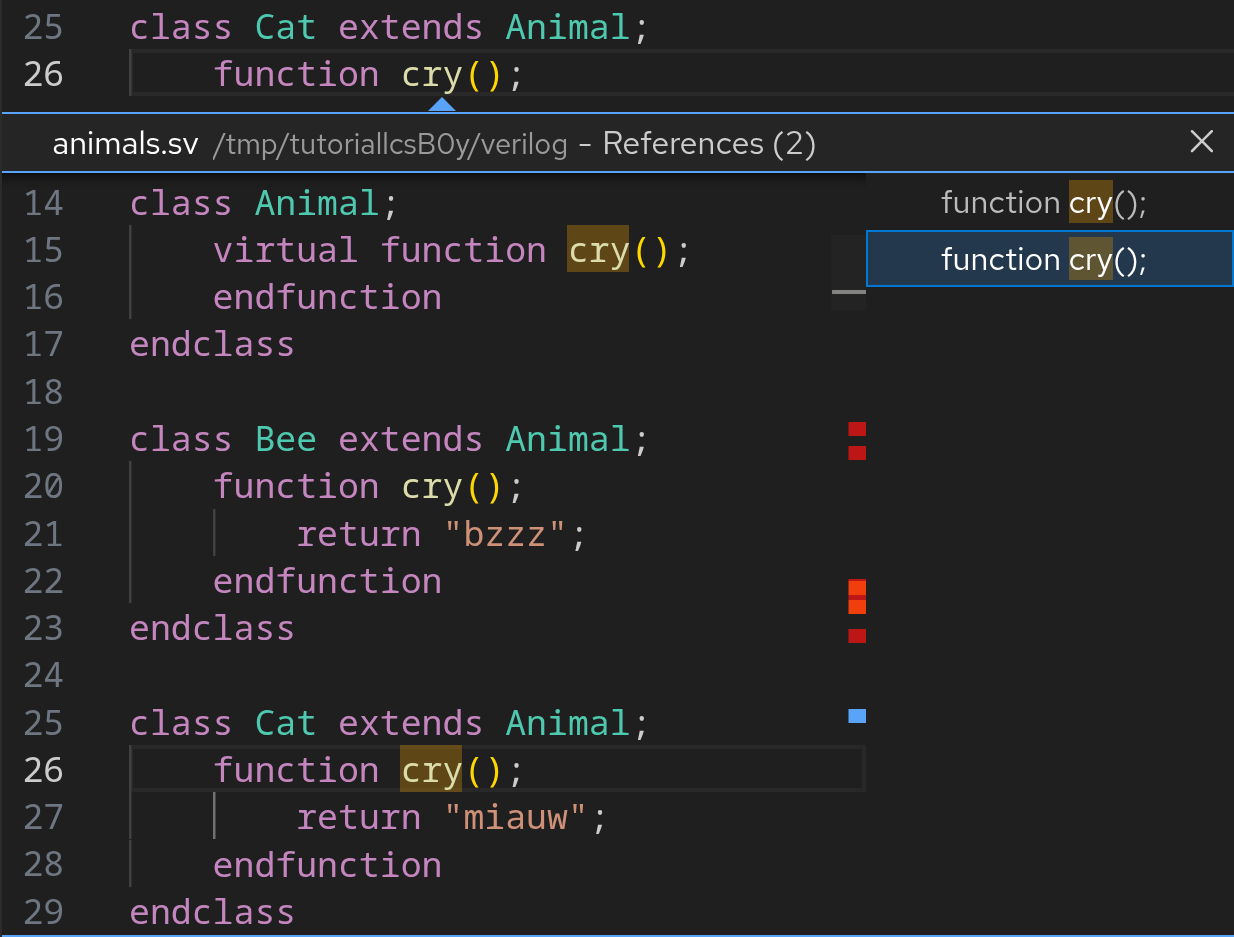
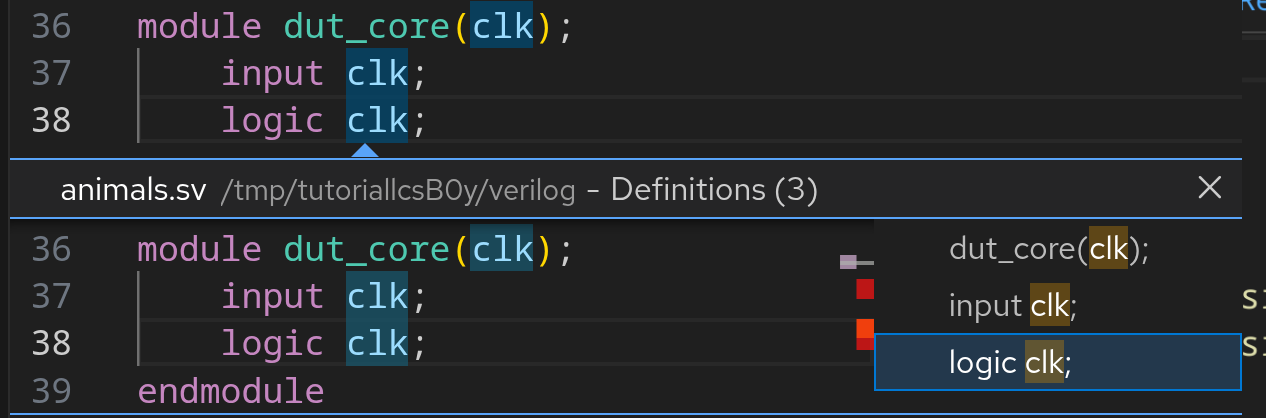
Go to declaration
In most cases, definition and declaration in Sigasi refer to the same concepts. Go to definition is the behavior triggered by VS Code when you Ctrl+Click on an identifier. There’s one notable exception to consider: extern methods in Verilog.
class Animal;
    extern function string cry(); // declaration
endclass

function string Animal::cry(); // definition
    return "bzzz";
endfunction
The example above first declares the method cry and its signature (no arguments; returns string). Thereafter, the extern method’s body is defined. You can use Go to Definition (
Ctrl+Click
) to jump from the declaration to the definition. To jump from the definition to the declaration, right-click the cry in the definition and select Go to Declaration. In VHDL, similar navigations can be performed via Go to implementations, e.g., to jump from a component declaration to its corresponding entity.
When Go to Declaration on an identifier points to itself, VS Code performs a Find references search in a peek window. This behavior can be customized via the
editor.gotoLocation.alternativeDeclarationCommandsetting.