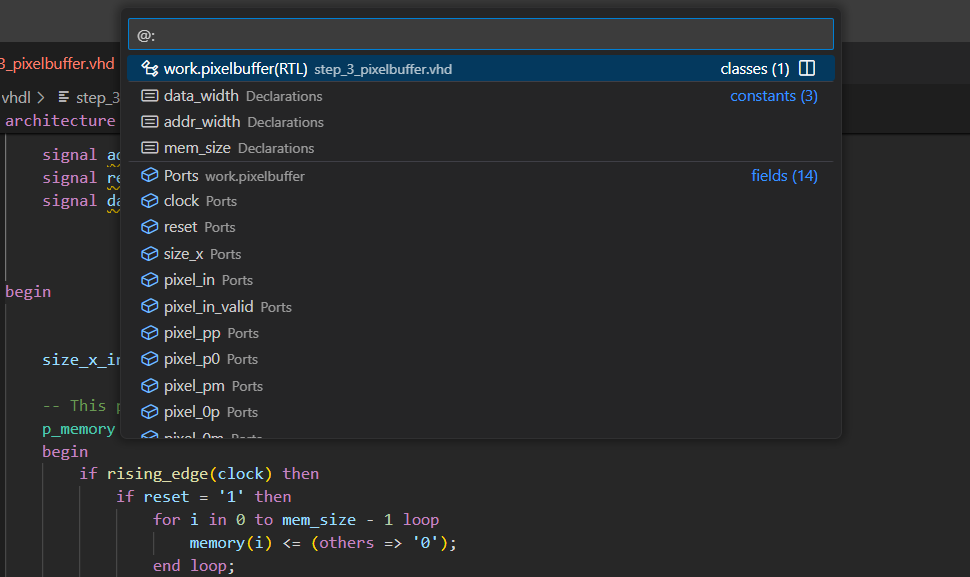
To get a quick overview of the symbols in a file in the editor, press Ctrl+P
, and type @. The deemphasized text shows the parent element. You can also type : to group the items by category.
This overview was historically called the “Quick Outline” as it shows the same elements as the Outline view.