With Net Search, you can find a net’s loads and drivers. A net is defined as a signal or port and all other signals and ports that are directly connected to it. The loads are where you read the value of a net, and the drivers are where you write to it.
To find the entire signal or port net, place your cursor on the identifier and right-click, then select Find Net. Alternatively, you can press .
The Net Search View will appear. For big designs, it might take a while before the results appear.
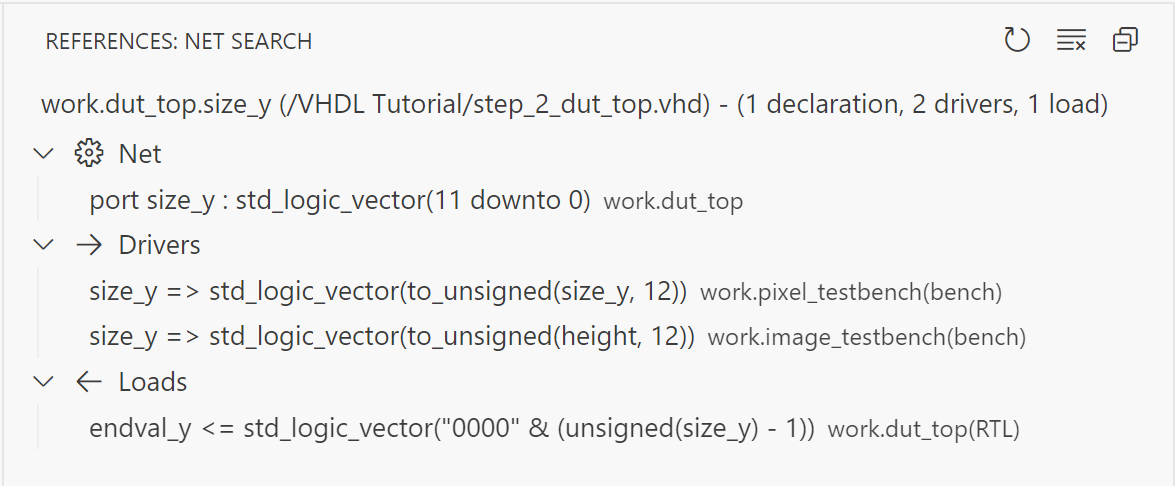
From the Net Search View, you can navigate to the code by either double-clicking a search result or using the keyboard shortcuts. Press to move to the next entry and to go to the previous one, assuming the default keybindings are in place.