The Projects View offers a file browser for your projects, including external folders that are not physically part of your project. This can be useful for including external IP in your projects.
The Projects View also offers a lot of custom Sigasi functionality, such as library mapping, version setting, and project settings.
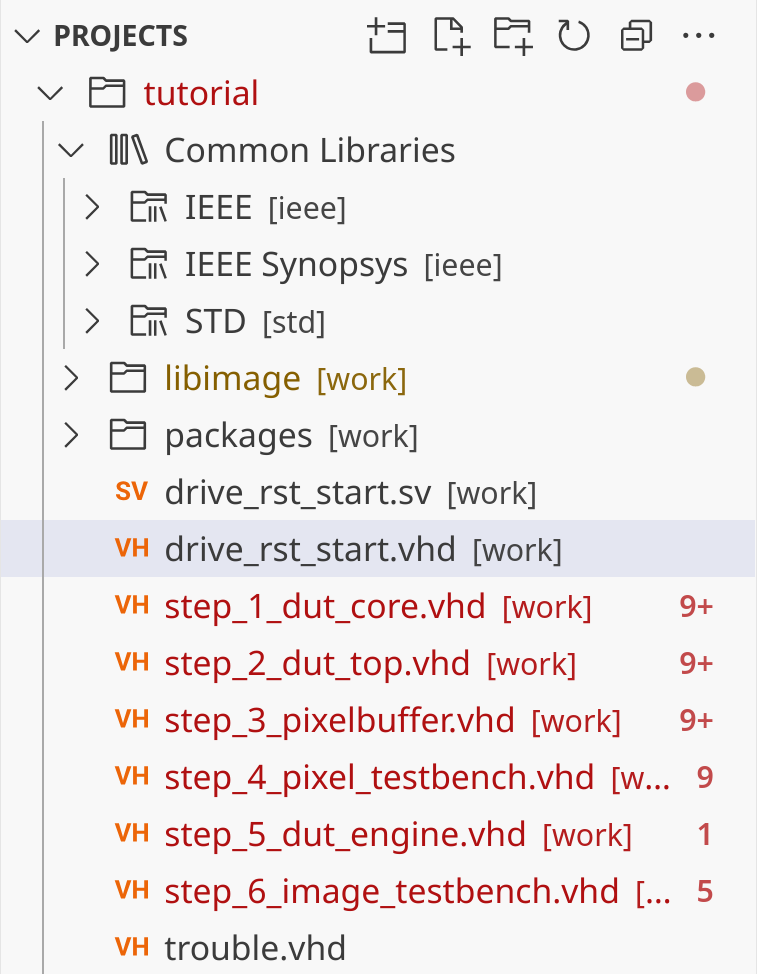
Buttons in the projects view
- Create a new file
- Create a new folder
- Refresh
- Collapse all folders in the projects view
- More Actions
Follow Cursor: links the projects view with the editorHide Excluded Files: toggles whether excluded files should be hiddenConfigure Excluded Files: opens settings to configure file exclusions