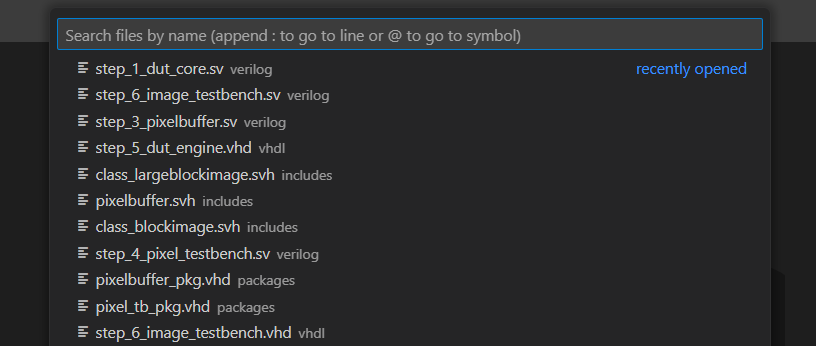
VS Code uses the Quick Open menu as its “find everything” dashboard. It can be used to find and open files, commands, views, and more. You open it by pressing
. By typing a prefix, different functionality is enabled. For example, typing > gives you the familiar Command Palette as when you press
. When you type ?, the Quick Open lists all its features. You can type additional characters to filter down the list.
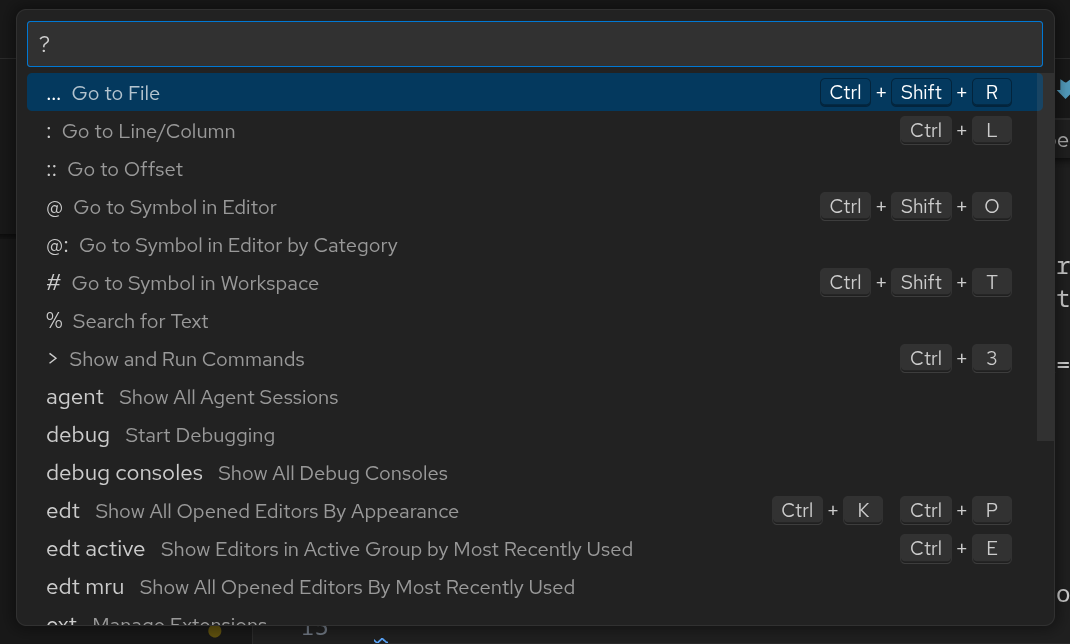
You can find a list of the most used features below:
| Prefix | Function |
|---|---|
| None | Open file |
? | Show all available functions |
:<x> | Go to line x |
:<x>:<y> | Go to line x, column y |
@ | Go to symbol in file |
# | Open design unit |
% | Quick search |
> | Command palette |
view | Open a VS Code view |
Open file
The feature you’ll likely use the most, is Open file: open the Quick Open and start typing to find and open any file. You can append : or @ to immediately open a line or symbol in said file, e.g, dut.sv:16 opens line 16 of dut.sv while dut.sv@clk_gen opens the clk_gen module in dut.sv.