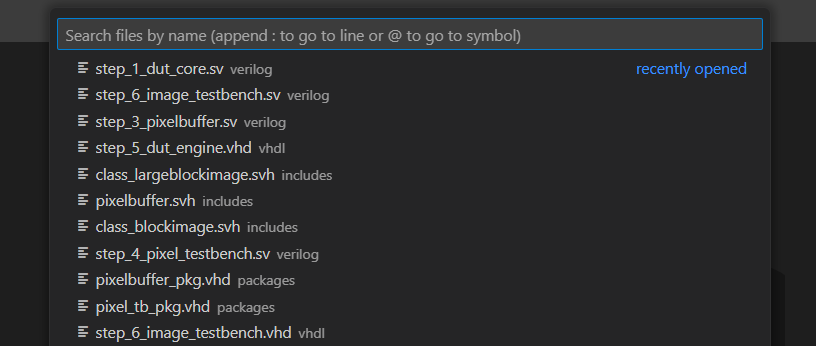
VS Code uses the Quick Open menu as its “find anything” dashboard. It can be used to find and open files, commands, views, and more. You open it by pressing Ctrl+P
. By typing a prefix, different functionality is enabled. For example, typing > gives you the familiar Command Palette, the same as when you press Ctrl+Shift+P
. When you type ?, the Quick Open lists all its features. You can type additional characters to filter down the list.
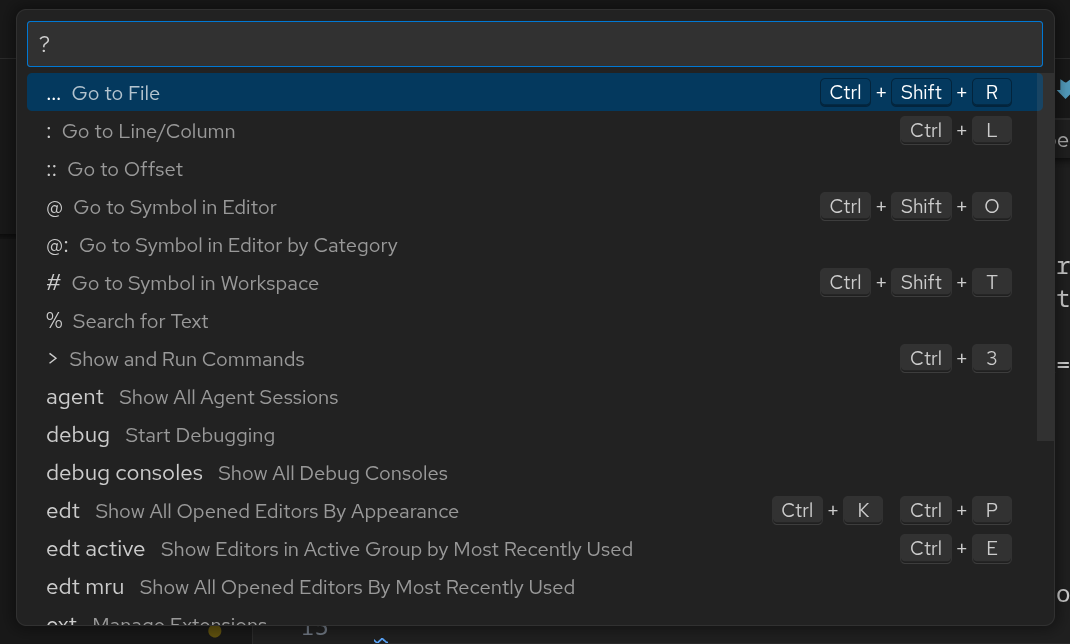
You can find a list of the most used features below:
| Prefix | Function |
|---|---|
| None | Open file |
? | Show all available functionality |
:x | Go to line x |
:x:y | Go to line x, column y |
@ | Go to symbol in file |
# | Open design unit |
% | Quick search |
> | Command palette |
view | Open a VS Code view |
Note that some Sigasi views are “custom webviews” and thus won’t show up when using the
viewsprefix.
Open file
The feature you’ll likely use the most, is Open file. Open the Quick Open and start typing to find and open any file. You can append : or @ to immediately open a line or symbol in the chosen file, e.g, dut.sv:16 opens line 16 of dut.sv while dut.sv@clk_gen opens the clk_gen module in dut.sv.