Right-click on any identifier (VHDL or SystemVerilog) and select Rename Symbol to change the name of the associated declaration and all its references. Once you select Rename Symbol a little dialog box will pop up.
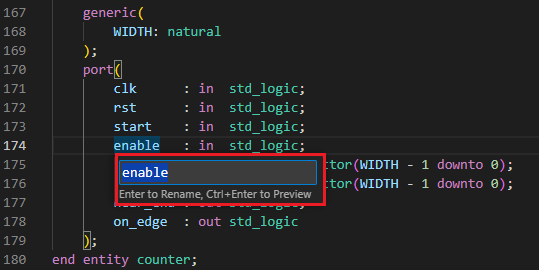
At this point, you can type the new name and press . This will rename the declaration of that symbol and all its references. Before renaming, you can also press to see a preview before making changes across your files.
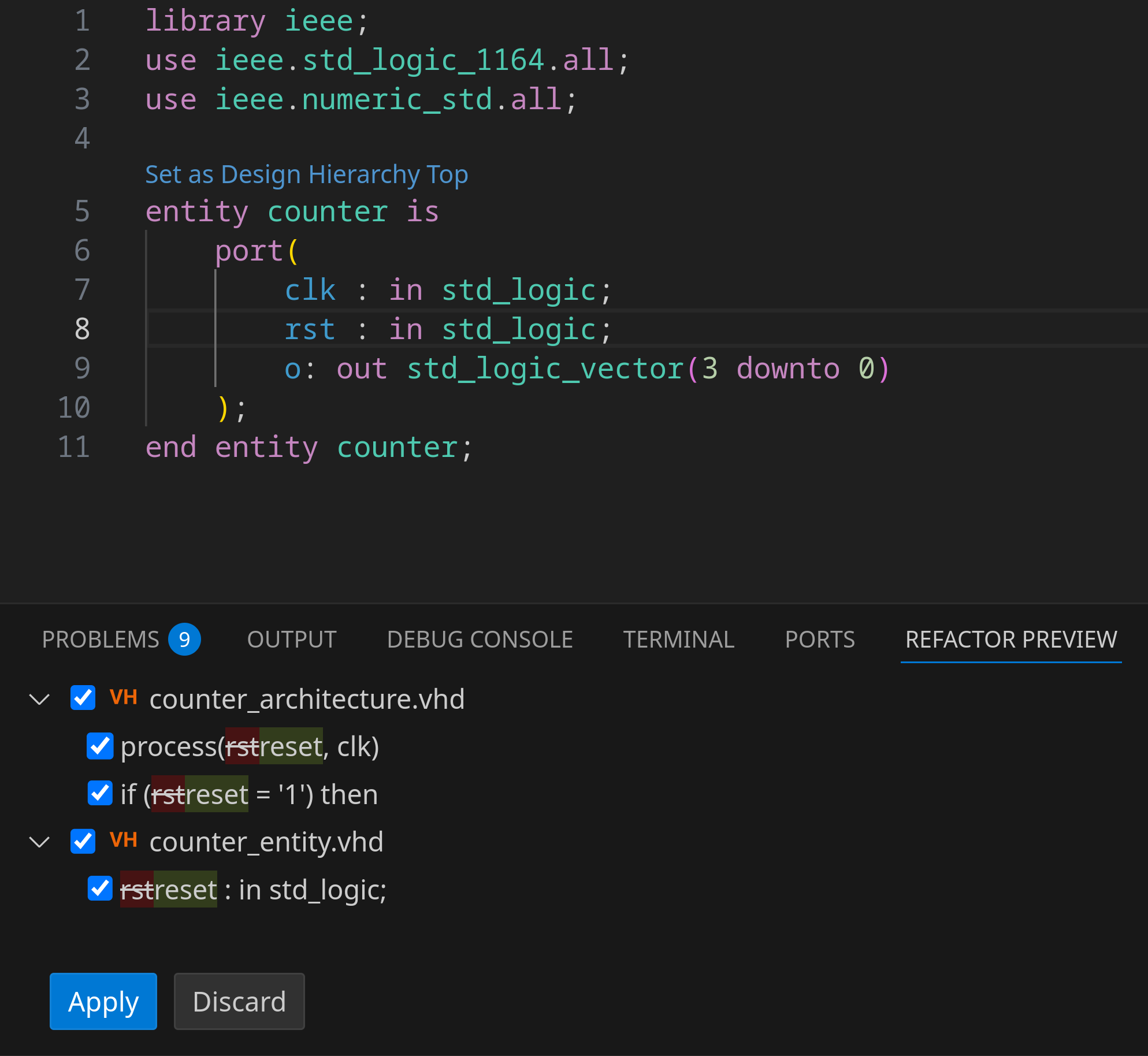
At the bottom, a Refactor Preview tab appears and lists the summary of the changes to be made. Clicking any of the items in the list visualizes all changes side-by-side.

You can then click the APPLY button to accept the changes or click the DISCARD button to cancel the renaming action. Note that this feature does not rename references in comments.
When a rename action affects a read-only file, a preview will automatically be shown. In this preview, changes to read-only files are shown, but not selected by default, ensuring that they won’t be applied unless explicitly confirmed.
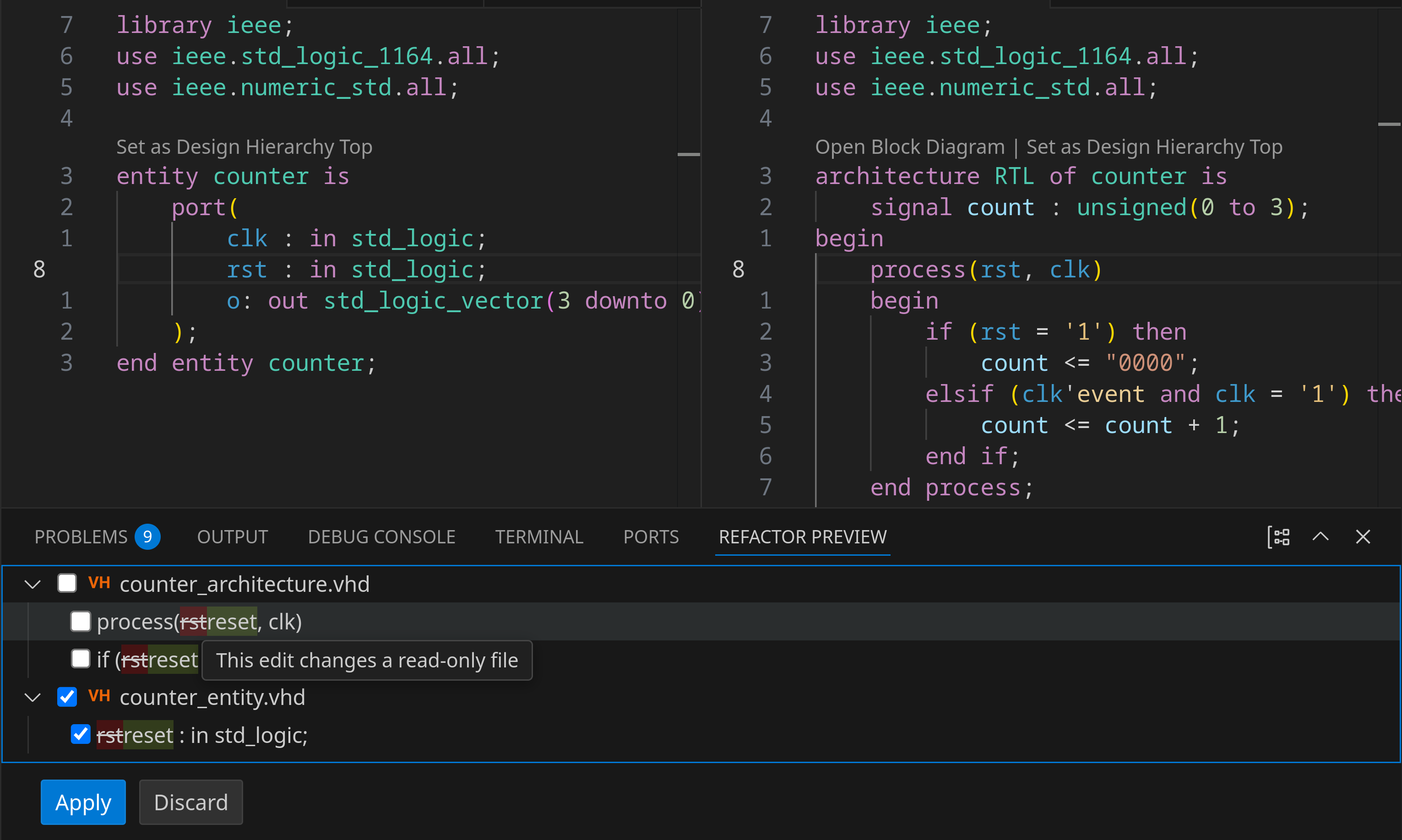
You can disable this preview behavior by toggling the