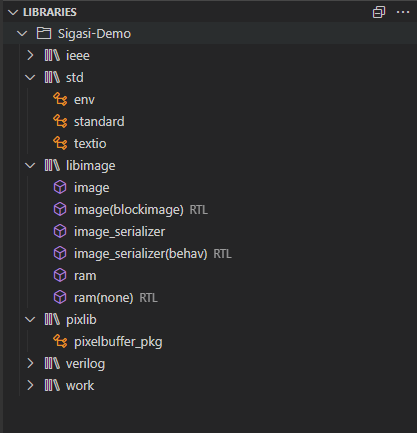
The Libraries View shows the library mapping as well as the description style of the design units in all
projects.
You can use it to navigate to a particular design unit in your project. When you click on a file, it will open in the editor.
Buttons in the Libraries View
These buttons are available in the Libraries View:
- Search the Libraries View
- Expand the Libraries View
- Collapse the Libraries View
- More Actions
- Follow Cursor: links the Libraries View with the editor