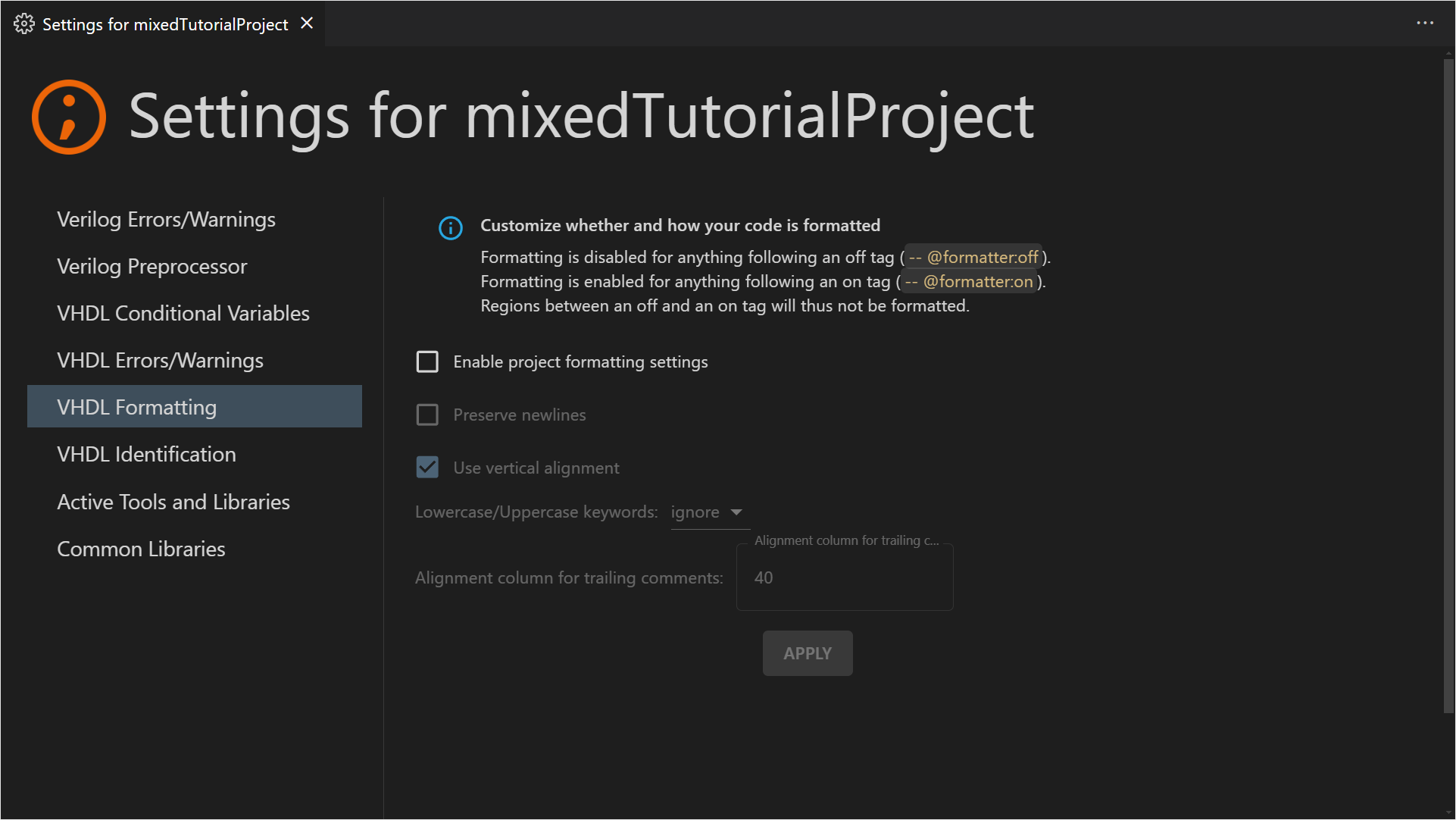
Project settings allow you to customize the behavior of the Sigasi engine for a specific project, folder, or file. These settings ensure that everyone on your team works with the same rules and parameters, preventing “it works on my machine” inconsistencies.
To open the settings, right-click a project, folder, or file in the Sigasi Projects View and select Configure > [Project/Folder/File] Settings. From this view, you can:
- Change the severity of linting rules
- Tweak validation and analysis parameters
- Modify conditional variables for VHDL 2019 projects
- Configure include paths and initial defines for the SystemVerilog preprocessor
After making changes, click the APPLY button in the top-right corner to save your configuration.
Persistence and sharing
Sigasi stores these configurations in the .settings/ folder within your project root. We recommend committing this folder to your version control system (e.g., Git) so that your team members automatically inherit the same project environment.
Note: Prior to version 2025.1, Project settings were referred to as Project preferences.