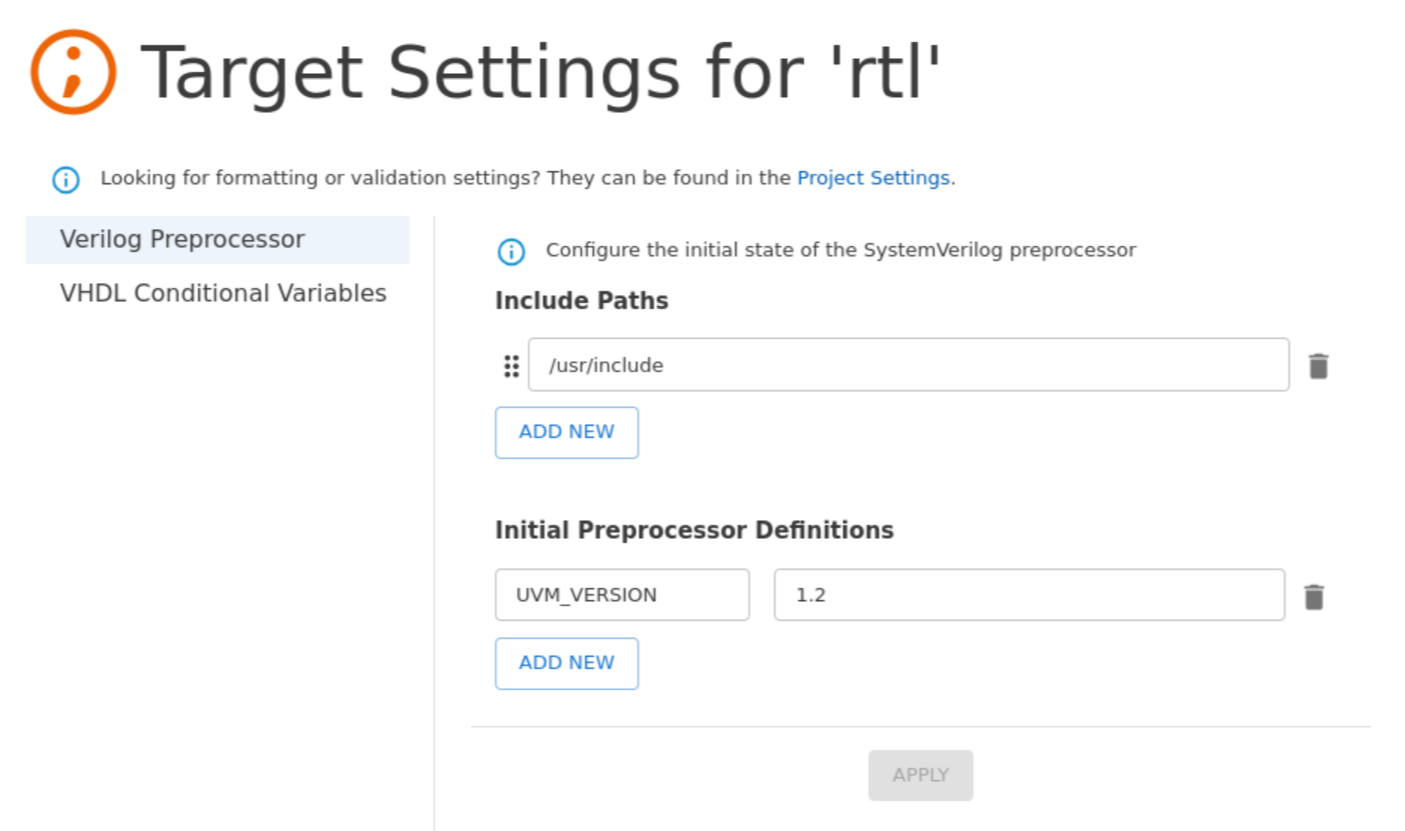
The Target Settings page provides a convenient way to modify the initial state of the Verilog/SystemVerilog preprocessor and to add or remove VHDL conditional variables for VHDL 2019.
To access it, you can hover over the Targets folder or an individual target, and click the icon or you can right-click any target in the Targets section of the Projects View, and then select Target Settings.
Note that Verilog/SystemVerilog include paths must be relative to the Target Directory field, or to the project location if this field is not specified.
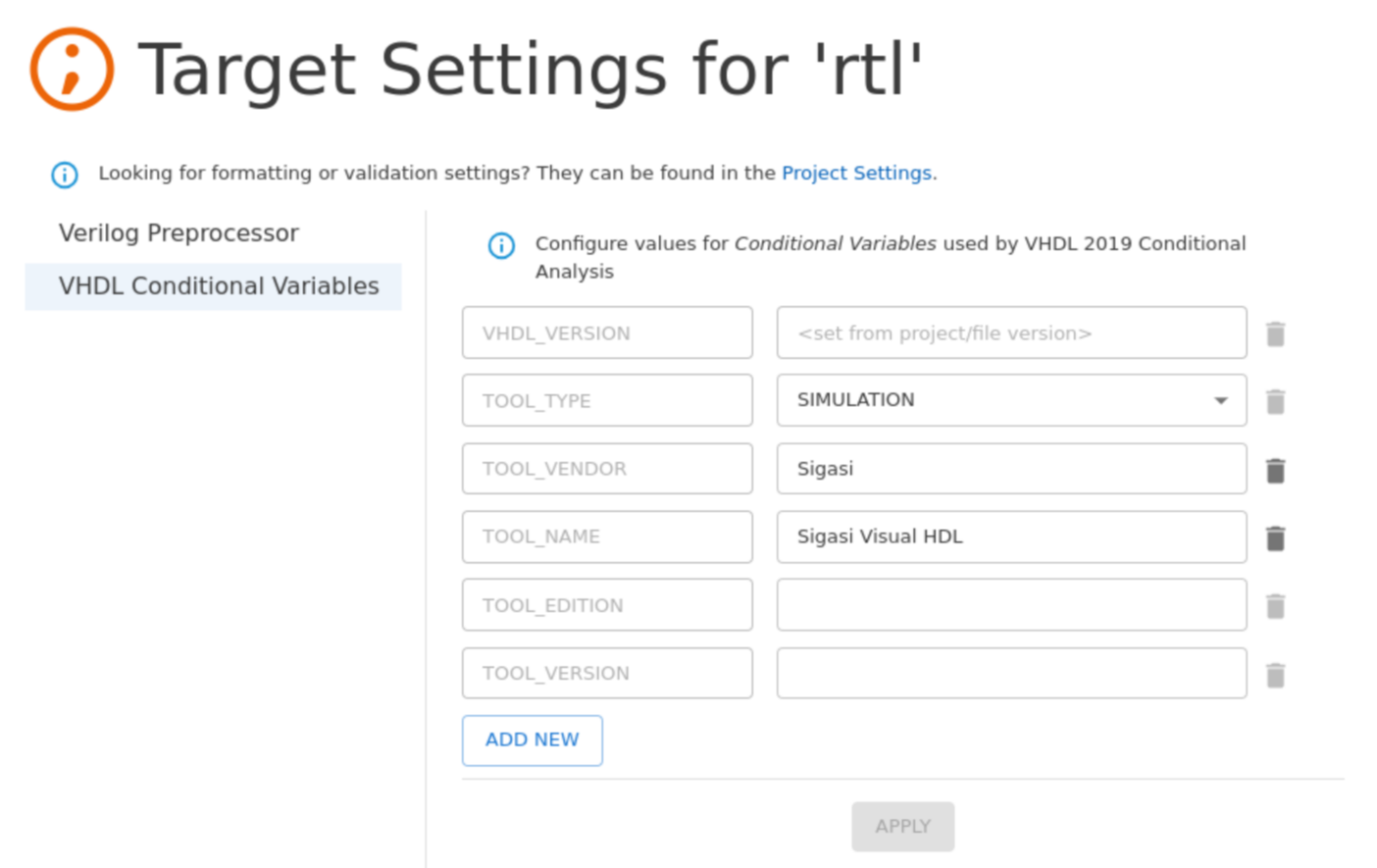
Note: Some conditional variables are reserved and hardcoded as required by the VHDL Language Reference Manual.