Verilog and SystemVerilog
For Verilog and SystemVerilog, you can configure which file suffixes are considered Verilog, and which SystemVerilog, in the project configuration file.
By default, files ending in .v are considered Verilog and files ending in .sv are considered SystemVerilog:
{
    "name": "manual-target",
    "targets": {
        "hdl": {
            "languageMapping": {
                "verilogSuffix": [
                    ".v"
                ],
                "systemverilogSuffix": [
                    ".sv"
                ]
            },
            // ...
        }
    }
}
If you want to change the language mapping for folders or individual Verilog files,
you can use the override key:
            "languageMapping": {
                "verilogSuffix": [
                    ".v"
                ],
                "systemverilogSuffix": [
                    ".sv"
                ],
                "override": {
                    "testbench": "systemverilog-2012", // verilogSuffix files in the testbench folder are SystemVerilog 2012
                    // or
                    "testdata": {
                        "vhdl": "vhdl-2019", // set the VHDL version for the testdata folder
                        "verilog": "systemverilog-2012", // verilogSuffix files in the testdata folder are SystemVerilog 2012
                    }
                }
            },
VHDL
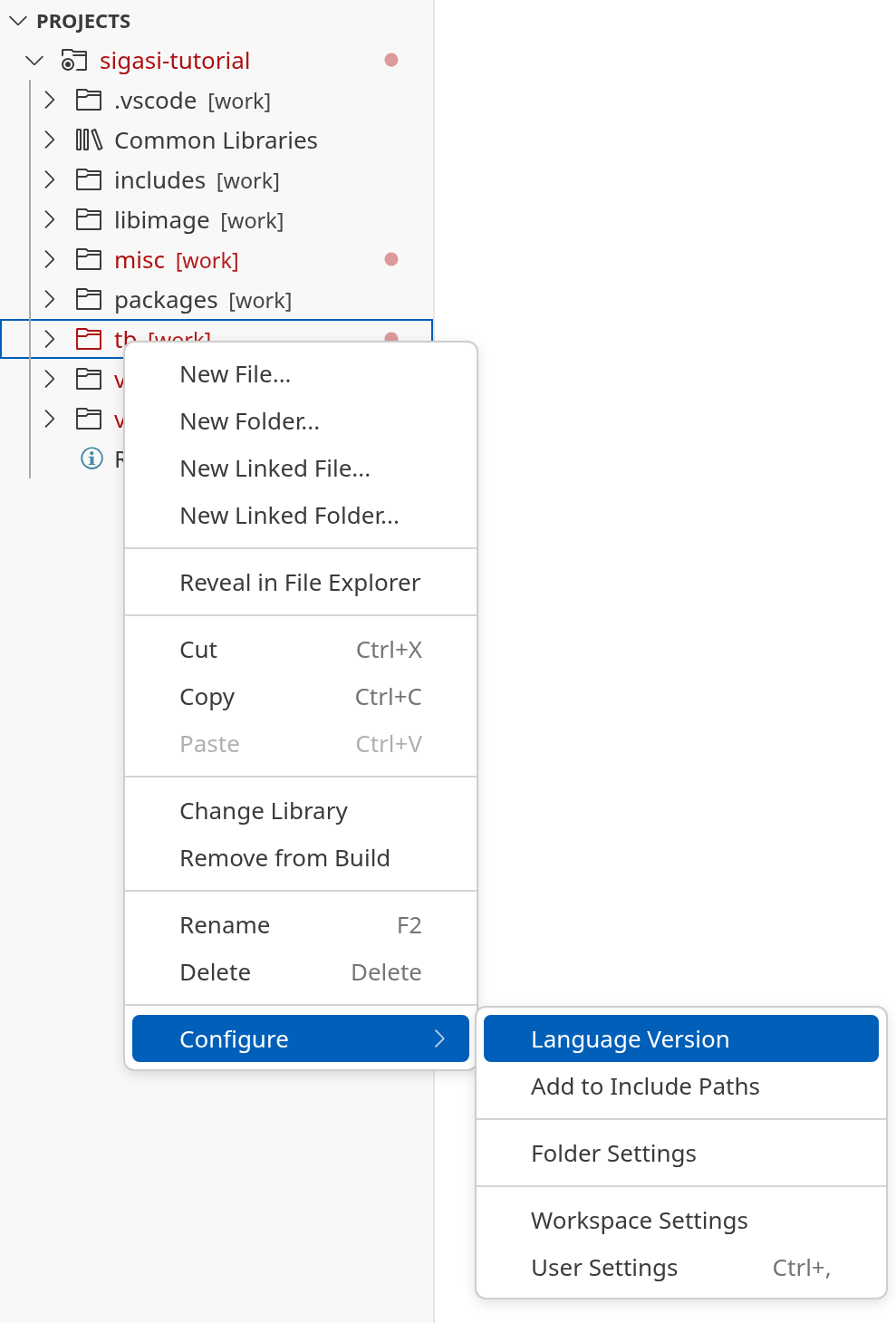
To change the VHDL version, right-click on a project, folder, or file in the Projects View and click .
If there is more than one target available, you will be prompted to select one.

Then, you can select a VHDL version for your project, folder, or file.