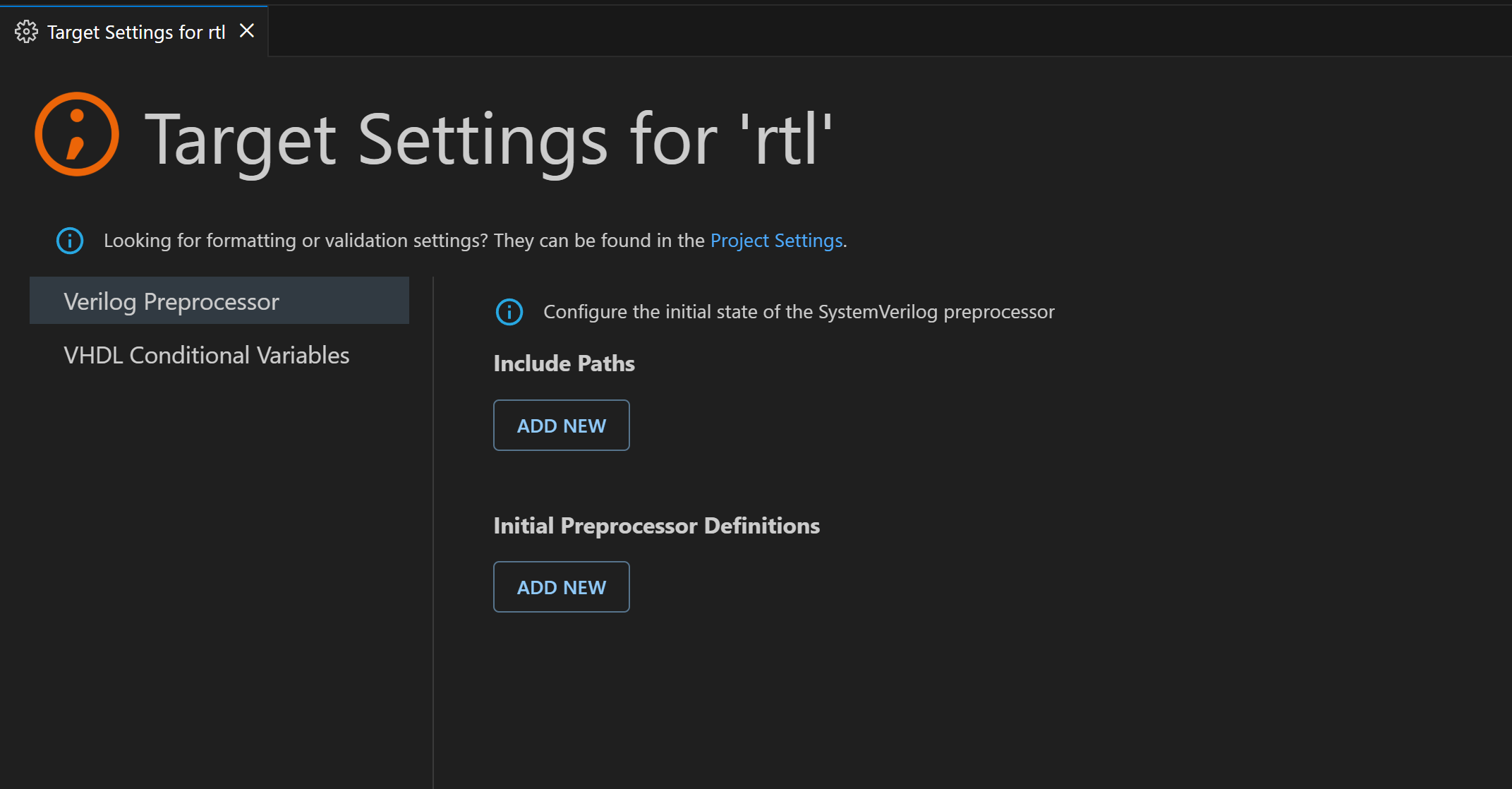
The Target Settings page provides a convenient way to modify the initial state of the Verilog/SystemVerilog preprocessor and to add or remove VHDL conditional variables for VHDL 2019.
To access it, right-click any target in the Targets section of the Projects View, then select Target Settings.
Note that Verilog/SystemVerilog include paths must be relative to the Target Directory field, or to the project location if this field is not specified.
Note: Some conditional variables are reserved and hardcoded as required by the VHDL Language Reference Manual.