New Screencast Series
Boost Your Productivity with Sigasi Visual HDL
We’re excited to introduce a new series of short screencasts that show how Sigasi Visual HDL helps FPGA and ASIC engineers work more efficiently—whether you’re writing code from scratch, reusing existing IP, or integrating AI-generated designs.
In six concise videos, we highlight the key capabilities that make Sigasi a powerful development environment for HDL design and verification. Here’s what you can expect:
We start with fast and intuitive navigation. With the Sigasi Language Server in VS Code, you can instantly jump to declarations, explore references, and get rich hover information without losing your flow. Understanding large codebases becomes significantly easier.
Next, we cover real-time linting, where Sigasi continuously checks your code for errors, style violations, and potential issues. With feedback in under 100 ms and built-in quick fixes, you can resolve problems as you write, long before they reach your sign-off flow.
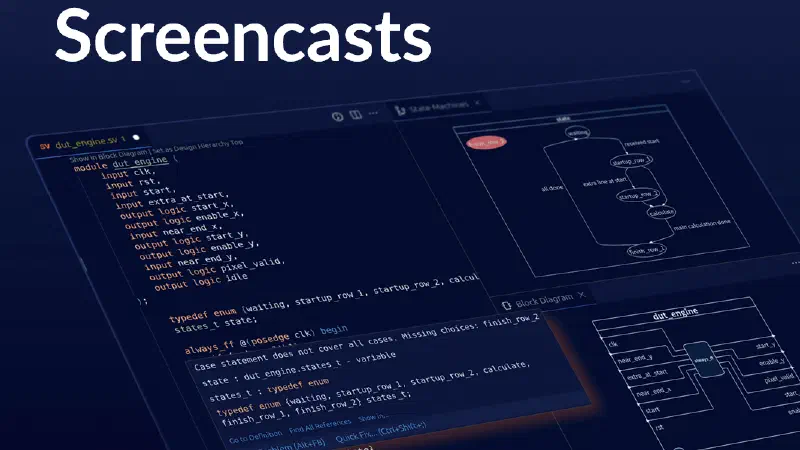
The third video focuses on interactive graphical views. Sigasi automatically generates up-to-date diagrams such as block diagrams, state machines, and dependencies. These visualizations help you validate your design intent and navigate complex systems with ease.
We also demonstrate how to create and edit RTL faster using Sigasi’s smart editor features. From autocomplete and signature help to intelligent indentation and inline context, the editor is designed to reduce friction and keep you productive.
In the fifth screencast, we show on-the-fly documentation. Sigasi extracts documentation directly from your source code comments, creating a single source of truth. With live previews and fully hyperlinked output, maintaining documentation becomes much more manageable.
Finally, we dive into UVM debugging and visualization. Sigasi supports UVM linting to catch common issues early, and provides topology and diagram views to help you understand and explore complex verification environments.
Each video is just a few minutes long and gives you a practical introduction to these features. Whether you’re new to Sigasi or looking to get more out of your existing workflow, this series is a great place to start.
Check it out!
Check out the screencasts and see how Sigasi Visual HDL can help you design and verify faster, with more confidence.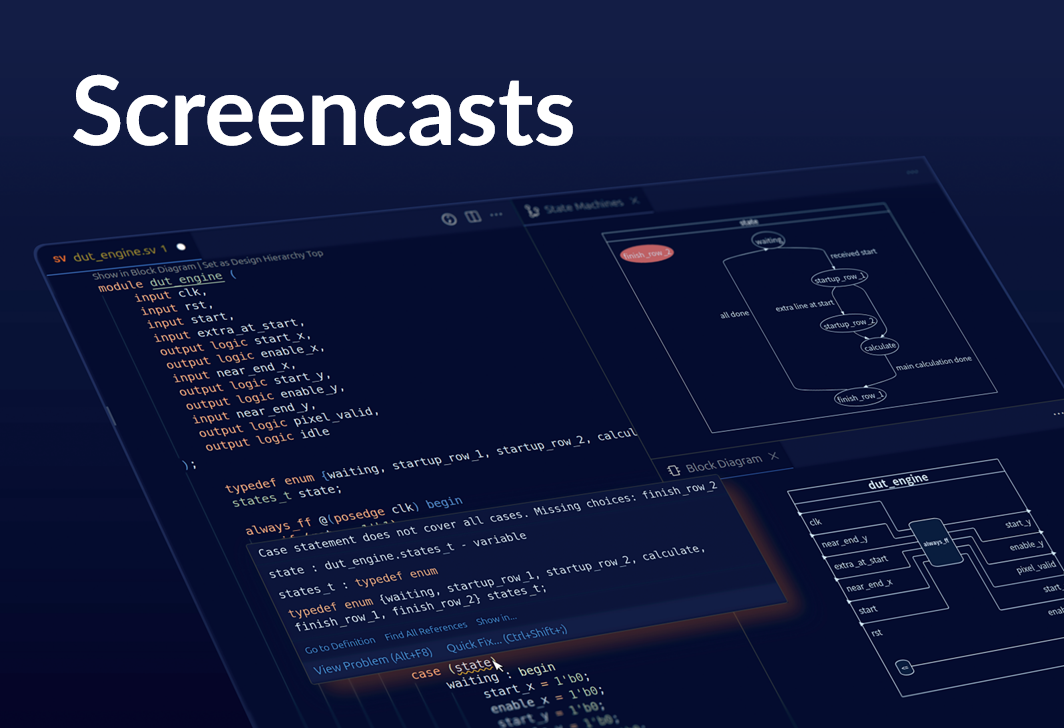
2026-04-28