Agents & MCP in Sigasi Visual HDL
AI tools started with chat assistants and code completion, but agents take things a step further. Instead of generating a single response, an agent can work towards a goal. It can plan tasks, execute actions, evaluate results, and decide what to do next. This is particularly interesting for HDL development because designs go through multiple cycles of analysis, validation, and refinement before they are ready. An AI agent can participate in that loop by reading files, invoking tools, analyzing outputs, and iterating until the objective is achieved. The key takeaway is that agents are not just generating code. They can support the entire RTL workflow, from implementation to verification and debugging.
Fixing UVM testbench issues
One example of how an AI agent can make use of Sigasi’s capabilities via MCP for agentic HDL development is fixing UVM testbench issues.
In this screencast you will see how Sigasi helps Copilot in VS Code to fix “include directory issues” in a UVM project. Not all include directories were configured correctly in the UVM testbench, and Sigasi reports autonomously several errors to Copilot. Copilot fixes these issues without modifying the HDL code, based on project diagnostics data it gets by communicating autonomously with Sigasi through MCP. After the iterations Copilot updates the project configuration by adding entries to the include directories section and all errors are gone. Using Sigasi MCP, Copilot in VS Code was able to identify the missing include directories from the diagnostics provided by Sigasi and apply the necessary changes to the project description file.
Built for engineers and agents
Because AI agents can use Sigasi’s feedback directly and independently, they can converge on a correct solution more efficiently. This actively reduces the number of iterations that rely on prompt-based reasoning, resulting in better code faster and with lower token consumption. Instead of using a human prompt - agent response interaction, the iterative process between the agent and Sigasi via MCP improves the quality much faster. Sigasi doesn’t prevent hallucinations in frontier LLMs but it prevents those hallucinations from ending up in the code you get from the AI and in worst case deliver downstream.
Whether code is handwritten or agent-generated, Sigasi helps teams move faster without sacrificing quality or maintainability. In the 2 minutes “Fix UVM testbench issues” screencast, you only see one example. If you want to see more, watch our webinar on Agentic AI or get in touch with our support engineers.
Watch our webinar on Agentic AI
In our Agentic AI webinar we cover how Sigasi Visual HDL + MCP supports agents in VS Code and Cursor generating HDL, fixing dependencies, formatting multiple files or even an entire project, and much more.
Sigasi fixes UVM testbench issues faster than an AI agent can generate them
Try Sigasi!
Request a free trial of our flagship Sigasi Visual HDL and discover how much time you save when your UVM testbench is without issues. We give you a free Trial Setup Session on top to get your trial project started!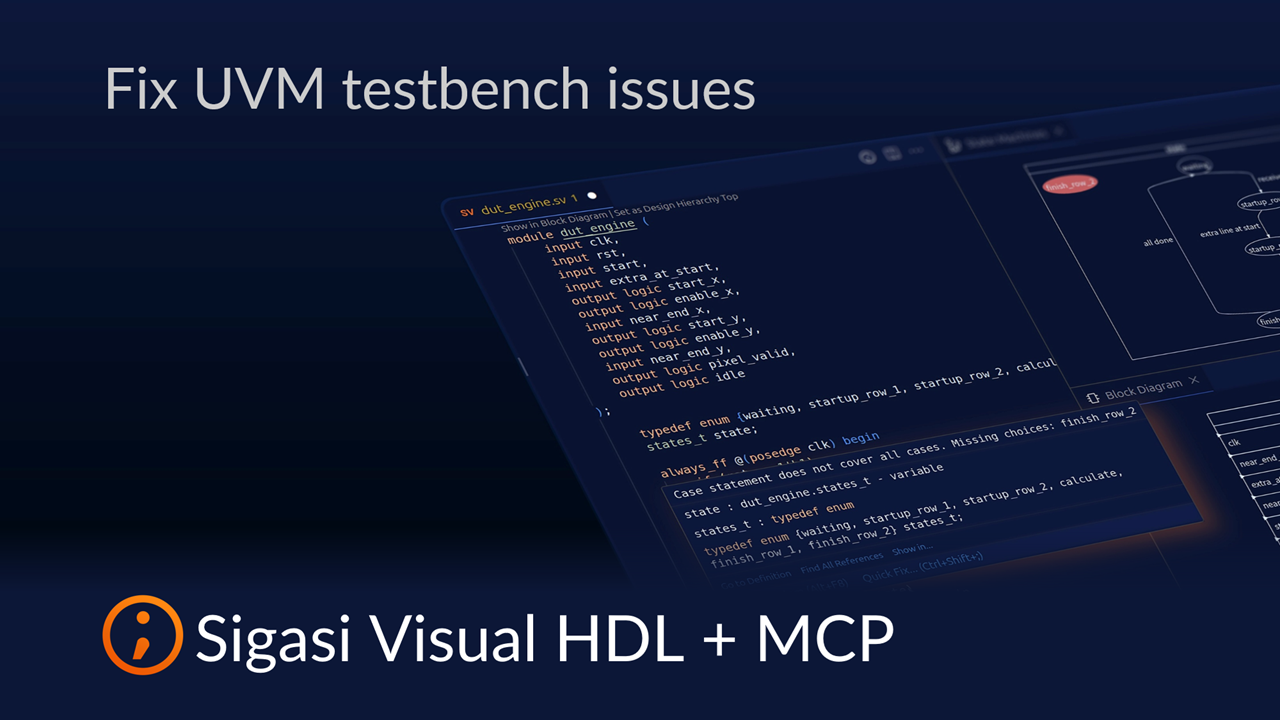
See also
- The Ultimate Guide to Better RTL Development (news)
- Fixing Dependencies with Sigasi MCP (screencast)
- Formatting with Sigasi MCP (screencast)
- Iterative HDL Generation with Sigasi MCP (screencast)
- 20,000 downloads (news)