Modular Project Setup
Before talking about dependencies, we need to talk about project setup. The project description contains information such as library mappings for VHDL or include directories for SystemVerilog so that Sigasi can consider your project as a whole and perform real-time analysis to provide correct results. Defining this information is referred to as project setup.
The project setup effectively defines how the design should be compiled: which files belong to the project, how they are related, and where dependencies can be found. If a project is not configured correctly, Sigasi notifies you with an error caused by a missing dependency.
The project setup is important not only for accurate analysis, but also because it serves as a solid foundation for your downstream tools. Based on the project description, a compilation order can be generated and consumed by simulators, synthesis tools, and other parts of the HDL tool flow.
A correctly configured Sigasi project helps ensure that analysis, compilation, simulation, and implementation all operate on the same understanding of the design. In our 2026.2 release, we introduced a Modular Project Setup. In Modular Projects, the entire project is described by a single project.sigasi file, and the .settings folder is replaced by the .sigasi folder. The Modular Project approach simplifies project configuration and provides a more structured way to manage dependencies especially in an agentic AI world.
Sigasi MCP
Missing library mappings, incorrect include directories, or incomplete project configuration can cause dependency-related errors. Identifying the root cause of these issues is often time consuming. Sigasi Visual HDL can detect these problems through its project analysis capabilities, providing detailed diagnostics about missing dependencies and configuration issues.
Through Sigasi MCP, an AI agent can access those diagnostics and determine what needs to be changed in the project configuration. The agent doesn’t work in isolation or try to infer the root cause on its own. Instead, it uses the diagnostics provided by Sigasi Visual HDL to fix project configuration.
Instead of modifying HDL source code, the agent can update the Sigasi project configuration itself, for example by adding missing library mappings or correcting include directories. Once the configuration has been updated, Sigasi Visual HDL analyzes the project again. If additional dependency issues remain, the agent can continue refining the configuration until the project is correctly configured.
In this collaborative workflow between Sigasi and your agent, Sigasi provides the analysis and diagnostics, while the agent uses that information to automatically resolve dependency-related issues.
Fixing Dependencies
In the “Fixing Dependencies” 2-minutes screencast we use Copilot in VS Code. Dependency errors can be resolved manually and slowly through GUI actions. In this screencast we ask Copilot to fix them automatically without modifying the HDL code. Thanks to Sigasi MCP, Copilot is able to detect the missing library definitions in the project.sigasi file and fix the issue by updating the project configuration automatically.
Watch our webinar on Agentic AI
If this screencast has caught your attention, you should also watch our Agentic AI webinar in which we cover how Sigasi Visual HDL supports agents generating correct HDL together, solving include directory issues, formatting multiple files or even an entire project, and much more through MCP in VS Code and Cursor.
The only tool that reviews HDL in real-time everywhere you work
Try Sigasi!
Request a free trial of our flagship Sigasi Visual HDL and discover how much time you save when your documentation is always up-to-date and in line with your code both in VS Code, Cursor as in Antigravity. We give you a free Trial Setup Session on top to get your project started!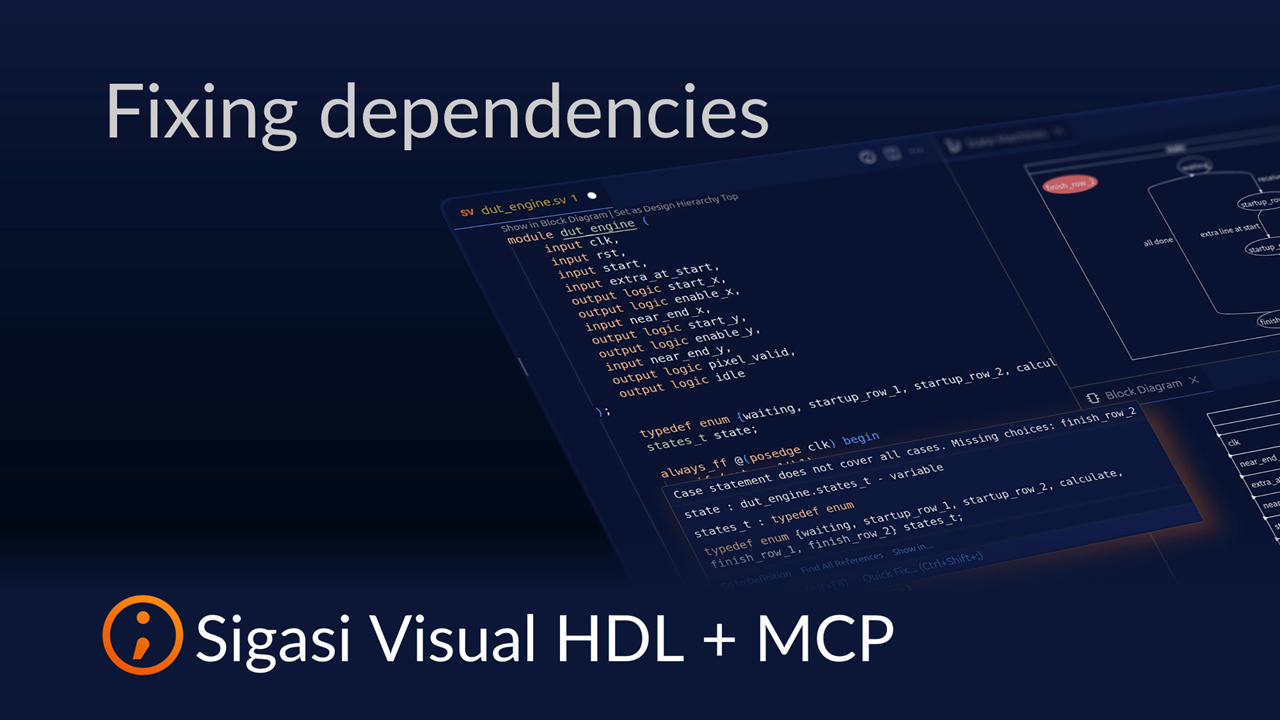
See also
- The Ultimate Guide to Better RTL Development (news)
- Fix UVM testbench issues with Sigasi MCP (screencast)
- Formatting with Sigasi MCP (screencast)
- Iterative HDL Generation with Sigasi MCP (screencast)
- 20,000 downloads (news)