Agents & MCP in Sigasi Visual HDL
Formatting is a good example of how an AI agent can make use of existing Sigasi capabilities through MCP. With Sigasi MCP, the formatting capabilities of Sigasi Visual HDL become instantly available to AI agents.
Instead of manually invoking the formatter through the user interface in VS Code, you can prompt the agent to perform the task and the agent will work with Sigasi. While you can only format a single file through the editor, an agent can invoke Sigasi’s formatter across multiple files or even an entire project.
An LLM based agent is incapable of deciding how code should be formatted. When working together with Sigasi it can decide as it relies on the formatting rules and capabilities already provided by Sigasi Visual HDL, ensuring consistent and predictable results.
This shows you Sigasi’s overall MCP approach: Sigasi provides the deterministic HDL-specific functionality, and the agent makes that functionality easier to access and automate.
Formatting with Copilot in VS Code
In the 2 minutes “Formatting files” screencast, you see how an agent uses Sigasi via MCP to format multiple SystemVerilog & VHDL files in the workspace. If you want to see more of Sigasi MCP, watch our webinar on Agentic AI or get in touch with our support engineers.
Watch our webinar on Agentic AI
Sigasi MCP provides AI agents with access to project-aware HDL context, as well as Sigasi’s language intelligence and analysis capabilities. This enables a more reliable and context-driven form of AI assistance, where agents can work with information about the actual HDL project instead of relying only on the contents of prompts or files. With access to these capabilities, AI agents can improve HDL development workflows. In this Agentic AI webinar, you’ll see examples including iterative code generation, dependency resolution, and access to existing Sigasi functionalities through MCP.
Sigasi formats multiple files faster than an AI agent can generate them
Try Sigasi!
Request a free trial of our flagship Sigasi Visual HDL and discover how much time you save when your UVM testbench is without issues. We give you a free Trial Setup Session on top to get your trial project started!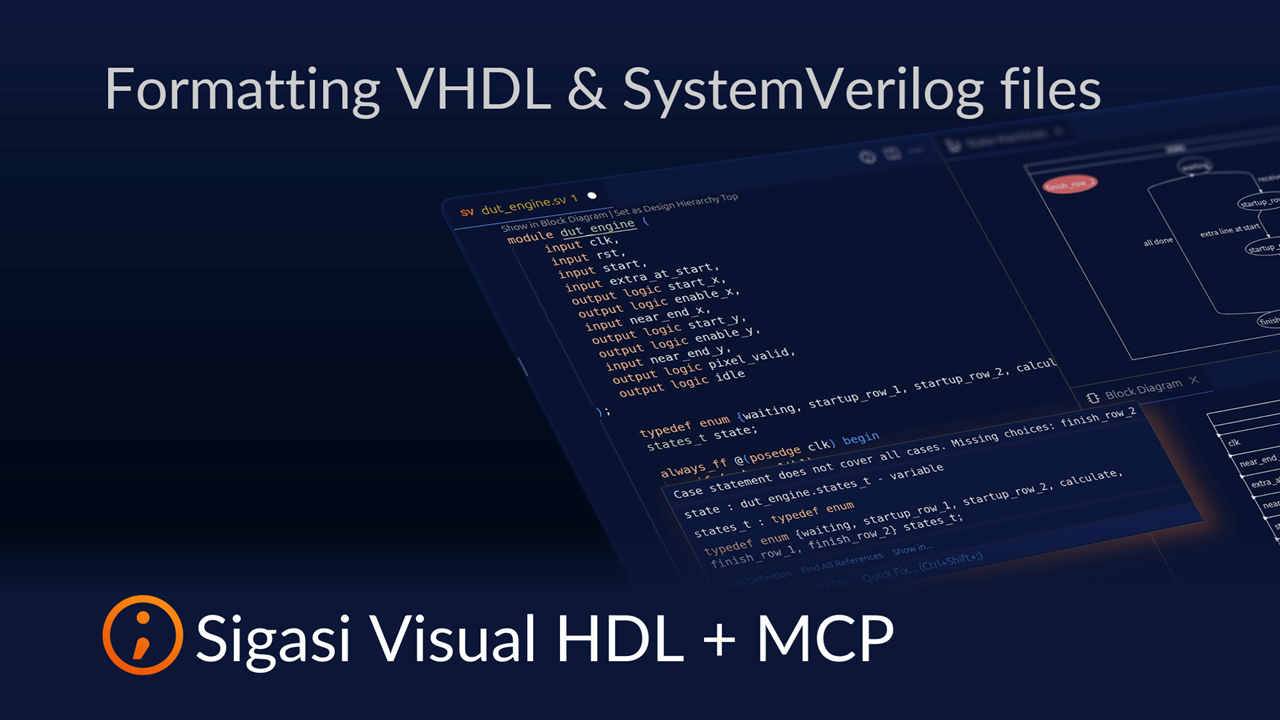
See also
- The Ultimate Guide to Better RTL Development (news)
- Fix UVM testbench issues with Sigasi MCP (screencast)
- Fixing Dependencies with Sigasi MCP (screencast)
- Iterative HDL Generation with Sigasi MCP (screencast)
- 20,000 downloads (news)