Interactive Graphical Views in Sigasi Visual HDL
Sigasi helps you to visualize the mental model of your design, whether you created it, you’re reusing existing IP or you have generated new code with AI or an agent.
The interactive block diagrams, finite state machines and dependencies are always up-to-date and give you visual feedback to double-check if “your” code does what it should. Furthermore, you can use the diagrams to navigate through your design and code.
You can visualize the interconnections within a block, state machines, compile dependencies between files, and preview your inline code documentation.
In this 5 minutes demo you’ll get the basics. Feel free to get in touch with us for more info or watch our other shorts serie.
Built for engineers and agents
AI can produce structure, but it doesn’t guarantee clarity. Sigasi’s graphical views expose design hierarchy, dependencies, and interactions in a way that engineers can verify at a glance. As AI increases design complexity, visualizing that complexity becomes essential. Sigasi turns AI-generated structure into something engineers can reason about with confidence.
Watch our webinar on visualization
Interested in learning more on the graphical views in Sigasi? Then watch our Visualization with Sigasi Visual HDL webinar. While this webinar focuses on graphical views, Sigasi Visual HDL is not positioned as a standalone graphics tool. The demonstrated visualization is powered by our deterministic semantic project model, which also drives linting, refactoring, mixed-language support, CI integration, and AI validation guardrails. Fast and interactive visualization is just one output of our semantic project model and gives a great visible example of our engine in action.
Try Graphical Views in Sigasi!
Request a free trial of our flagship Sigasi Visual HDL and discover how easy it is to save time on chip design when you see interactive diagrams, state machines, and dependencies immediately while you create them in VS Code, Cursor, Antigravity, etc. We gladly give you a free demo on top to get you started!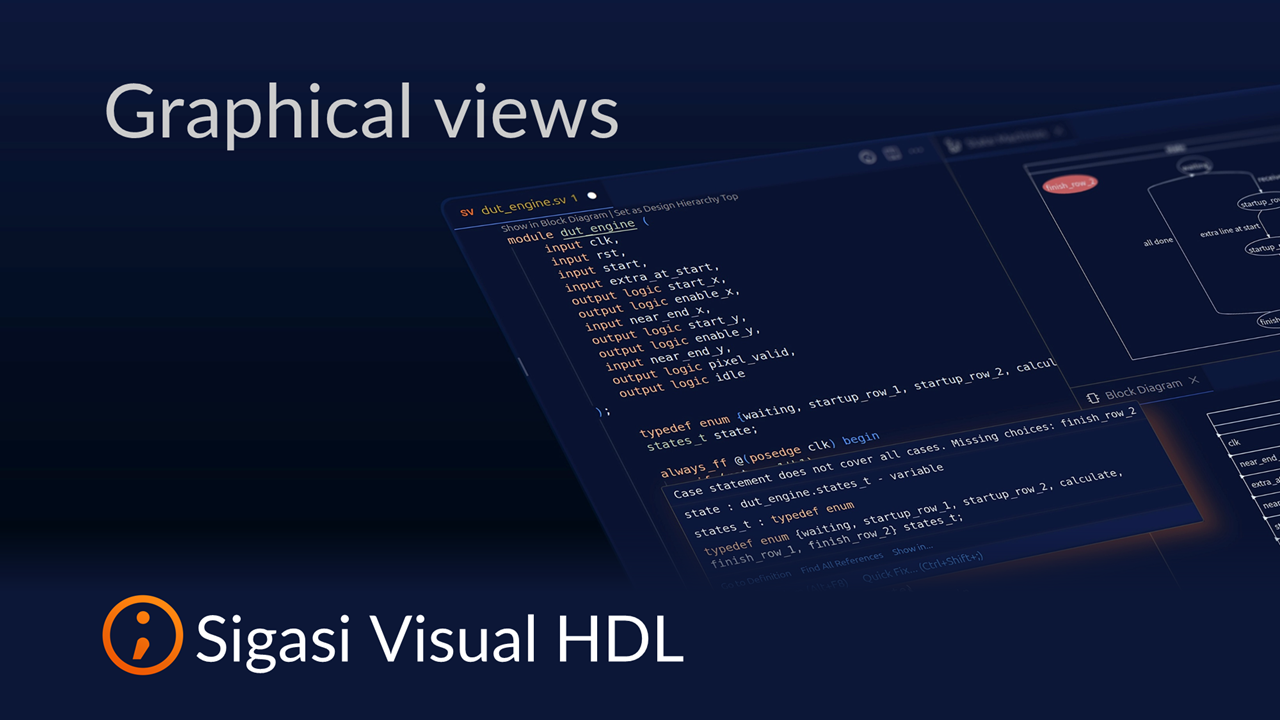
See also
- The Ultimate Guide to Better RTL Development (news)
- 20,000 downloads (news)
- Sigasi Visual HDL vs VHDL-LS (opinion)
- Fix UVM testbench issues with Sigasi MCP (screencast)
- Fixing Dependencies with Sigasi MCP (screencast)