Agents & MCP in Sigasi Visual HDL
AI tools started with chat assistants and code completion, but agents take things a step further. Instead of generating a single response, an agent can work towards a goal. It can plan tasks, execute actions, evaluate results, and decide what to do next. This is particularly interesting for HDL development because designs go through multiple cycles of analysis, validation, and refinement before they are ready. An AI agent can participate in that loop by reading files, invoking tools, analyzing outputs, and iterating until the objective is achieved. The key takeaway is that agents are not just generating code. They can support the entire RTL workflow, from implementation to verification and debugging.
But AI agents based on LLMs remain probabilistic and shortsighted
HDL projects contain a large amount of context, including hierarchies, interfaces, clocks, and design constraints. Understanding a single file is often not enough. Generic “pure” LLMs typically see only the code that is provided in a prompt and may miss important project-specific information. As a result, even small mistakes can become costly, requiring additional simulation runs, synthesis iterations, and review cycles to identify and fix issues.
As mentioned in the AI webinar in March, Sigasi Visual HDL acts as the deterministic symbolic guardrail in a neural agentic workflow. Sigasi provides instant feedback on generated code through its deep language understanding and static analysis capabilities. Structural issues, inconsistencies, and potential problems are identified immediately. It also improves code comprehension. Visualization and navigation features make it easy to explore the design, understand relationships, and quickly navigate through complex projects.
Until release 2026.2 at the end of June 2026, an engineer had to prompt the AI agent in VS Code or Cursor to get AI generated code checked by Sigasi. Now an agent can autonomously through MCP check with Sigasi if its generated code is correct or not and adapt the code based on Sigasi’s instant feedback. Sigasi MCP exposes Sigasi’s functionalities through the Model Context Protocol. This gives AI agents an understanding of HDL projects, including design structure and relationships across the codebase. The result is more reliable AI output.
Sigasi MCP lowers AI token usage
Sigasi MCP provides AI agents with direct access to project-aware design information, and that has several practical benefits. It not only improves agent productivity. Tasks such as navigating a codebase, understanding relationships between design elements, and modifying existing code can be completed more efficiently. The result is higher-quality AI-generated code and more reliable outcomes. It also helps reduce hallucinations in the agent’s output. Instead of relying on the information available in a prompt or a file, an agent can use accurate project context when generating responses or making changes, resulting in lower token consumption for the same outcome. Access to this project-aware context also enables a variety of HDL development tasks, such as iterative code generation, fixing dependencies, and code formatting.
Iterative code generation
One example of how an AI agent can make use of Sigasi’s capabilities via MCP for agentic HDL development is iterative code generation. Rather than relying on a sequence of prompts going back and forth consuming tokens, the agent can work together with Sigasi Visual HDL reducing iterations.
The process starts with an engineer prompting an agent inside VS Code, Cursor, Antigrvaity or another VS Code fork. The agent generates HDL code and checks continuously via MCP the correctness of the code while it’s generating it. The compilation-like engine inside Sigasi Visual HDL is so fast, it can analyze on the spot the result. Using Sigasi’s patented language intelligence and static analysis capabilities, it identifies issues, inconsistencies, and potential problems and returns the feedback instantly to the agent, which understands what needs to be improved, and updates the generated code accordingly, without requiring additional user prompts from the engineer.
Once the code has been refined, Sigasi Visual HDL analyzes it again. If additional issues are found, the agent continues refining the code. This iterative process creates a collaborative workflow, in which the agent focuses on generating and improving the code, while Sigasi Visual HDL continuously provides project-aware analysis, and applies explicit rules and validation. The process between agent and Sigasi continues, until the result is satisfactory and Sigasi doesn’t find any more issues.
Because the agent can use Sigasi’s feedback directly, it can converge on a correct solution more efficiently. This actively reduces the number of iterations that rely on prompt-based reasoning, resulting in lower token consumption. Instead of using a prompt-response interaction, the iterative process between the agent and Sigasi Visual HDL progressively improves the quality of the generated HDL code. Sigasi prevents frontier LLMs making things up because all output must pass through strict logical rules.
Built for engineers and agents
Whether code is handwritten or agent-generated, Sigasi helps teams move faster without sacrificing quality or maintainability. In the 2 minutes “Iterative Code Generation” screencast, you will see Cursor create an SDRAM controller, Sigasi giving feedback to Cursor, Cursor adapting code based on Sigasi’s feedback so that the code becomes compliant with the project’s linting rules and naming conventions.
Watch our webinar on Agentic AI
If this screencast has caught your attention, you should also watch our Agentic AI webinar in which we cover how Sigasi Visual HDL supports agents fixing dependencies, solving include directory issues, formatting multiple files or even an entire project, and much more through MCP in VS Code and Cursor.
The only tool that reviews HDL as fast as an AI agent can generate it
Try Sigasi!
Request a free trial of our flagship Sigasi Visual HDL and discover how much time you save when your documentation - even on AI generated code - is always up-to-date and in line with your code both in VS Code, Cursor as in Antigravity. We give you a free Trial Setup Session on top to get your project started!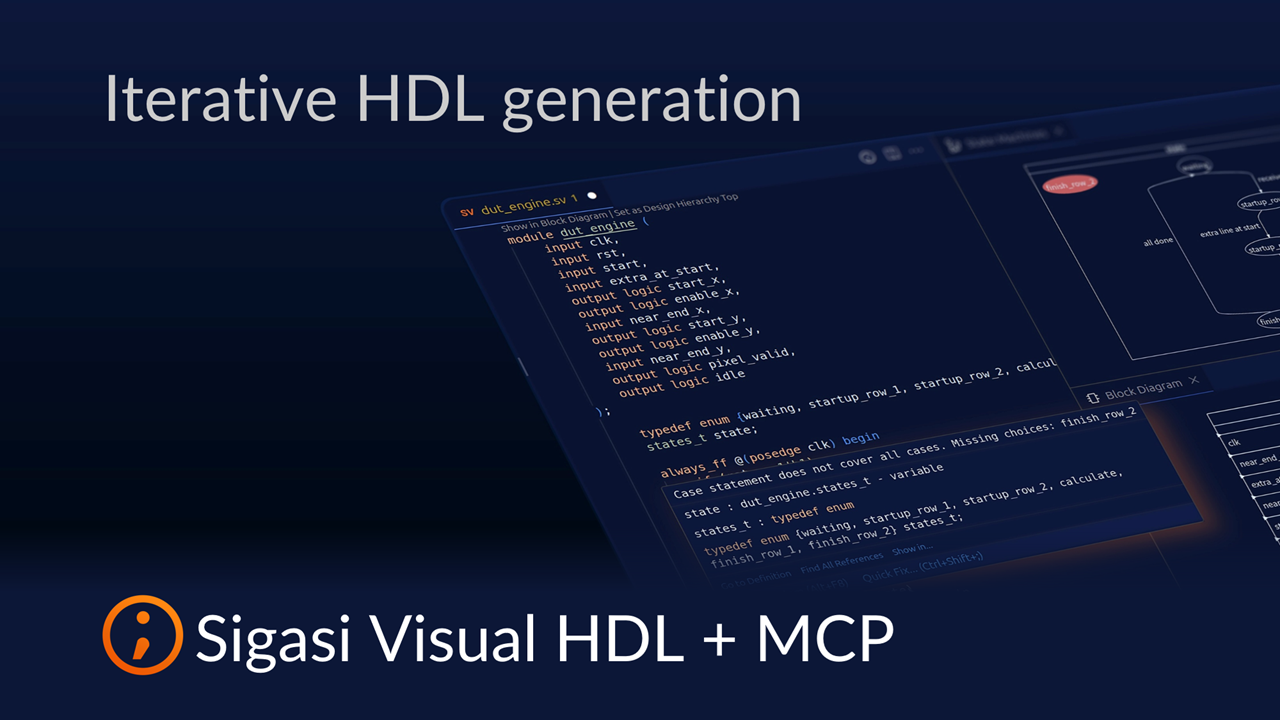
See also
- The Ultimate Guide to Better RTL Development (news)
- Fix UVM testbench issues with Sigasi MCP (screencast)
- Fixing Dependencies with Sigasi MCP (screencast)
- Formatting with Sigasi MCP (screencast)
- 20,000 downloads (news)