Easy navigation with Sigasi Visual HDL
With the Sigasi Language Server in VS Code you can very efficiently navigate your code.
When you hold down the control button on your keyboard, all identifiers become hyperlinks to their declaration. This allows you to very quickly navigate around through your codebase. And often you don’t even need to navigate to the declaration to get the information you need. Simply hover your mouse pointer over the identifier, to get a nice hover with all the information you need. Notice that it also shows you the code comments.
Navigation also works in the opposite direction through the language-aware search features. Right-click, select “Find All References” and you’ll get a nice list of all places where this identifier is used.
In this 3 minutes demo you’ll get the basics. Feel free to get in touch with us for more info or watch our other shorts serie.
Built for engineers and agents
As AI generates more RTL across larger codebases, navigating that code becomes a bottleneck—not generation itself. Sigasi ensures that every signal, hierarchy, and reference remains traceable in full project context. AI can write the code, but Sigasi makes it navigable, reviewable, and understandable. That’s how engineers stay in control.
Watch our webinar on navigation
Interested in learning more on navigating with Sigasi? Then watch our Navigation with Sigasi Visual HDL webinar. While this webinar focuses on navigation, Sigasi Visual HDL is not positioned as a standalone navigation tool. The demonstrated navigation is powered by our deterministic semantic project model, which also drives linting, visualization, refactoring, mixed-language support, CI integration, and AI validation guardrails. Fast navigation is just one output of our semantic project model and gives a great visible example of our engine in action.
Try Navigation with Sigasi!
Request a free trial of our flagship Sigasi Visual HDL and discover how easy it is to save money and time on chip design both in VS Code as in Antigravity. We gladly give you a free demo on top to get you started!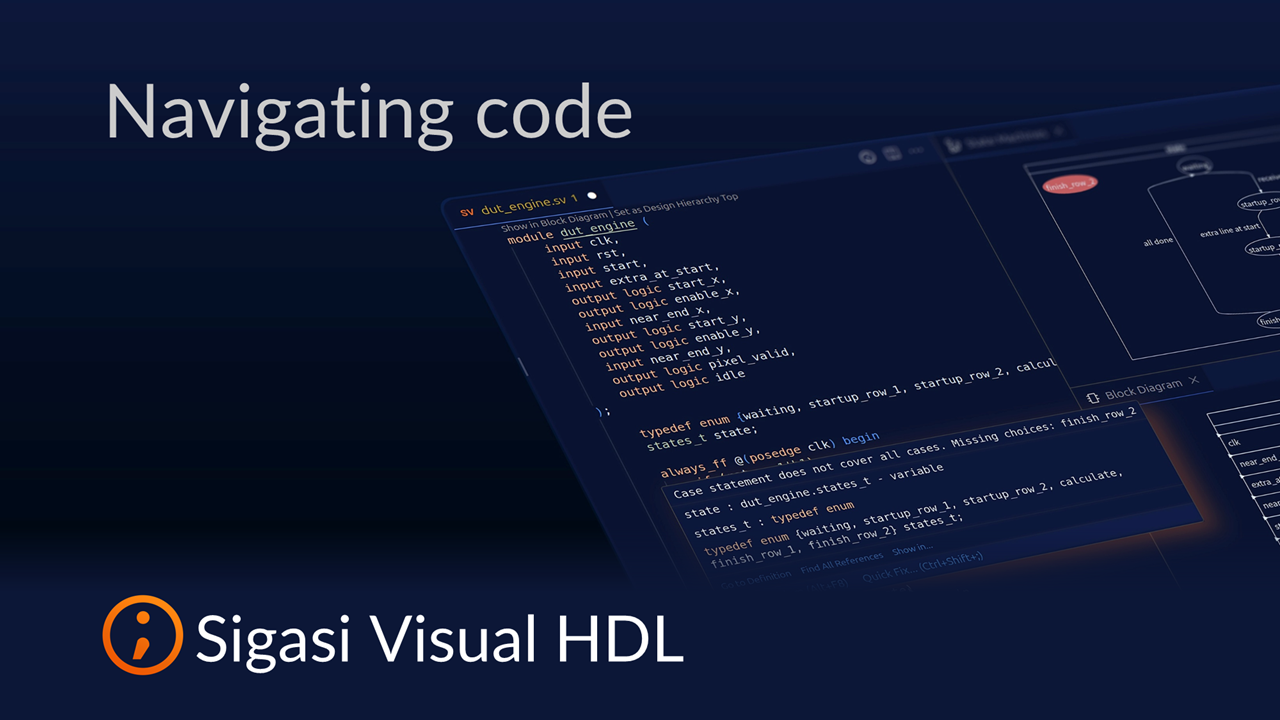
See also
- The Ultimate Guide to Better RTL Development (news)
- 20,000 downloads (news)
- Sigasi Visual HDL vs VHDL-LS (opinion)
- Fix UVM testbench issues with Sigasi MCP (screencast)
- Fixing Dependencies with Sigasi MCP (screencast)