Built around the work
engineers actually do.
From your first edit to a reviewed handoff: keep the code, project context, and engineering feedback connected.
Catch issues while you write RTL.
Sigasi checks your RTL against the whole project, not one file at a time. As you type, it flags vector width mismatches in assignments and port maps, implicit nets, incomplete sensitivity lists and reset branches, inconsistent clock edges, duplicate case choices, and signals that are never read or never written. Many problems come with a quick fix, and you set the severity and parameters of most rules.
- Widths, types, and port connections across files
- Clocks, resets, sensitivity lists, and dead code
- Naming conventions, plus rules mapped to STARC and DO-254
Explore linting
→
02 / Navigate and refactorFollow the design, not a trail of files.
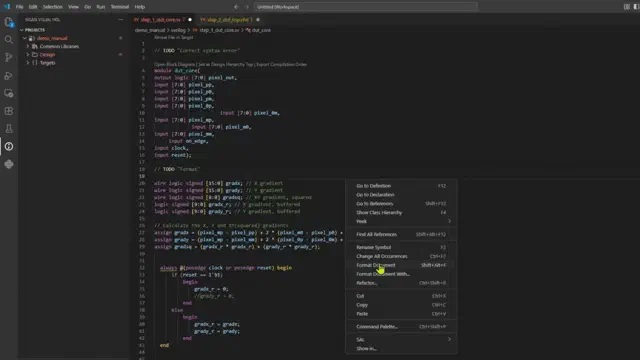
Jump to declarations and references, inspect symbols, and navigate through design and class hierarchies. Use language-aware editing, formatting, and rename refactoring to make everyday changes. Cut down on false positives with deterministic algorithms, not heuristics.
- Definitions, references, and hover information
- Design hierarchy, class hierarchy, and net search
- Autocomplete, formatting, and rename refactoring
Explore editing and navigation
→
03 / Visualize the designSee how the pieces fit together.
Explore block diagrams, state machines, and dependency graphs generated from your source. Flip between visual views and HDL to understand unfamiliar designs and support reviews with more than simple text diffs. When a change set is too large to read line by line, the hierarchy, the connections, and the state machines proof to you whether the design is still the one you intended.
- Block diagrams linked to and rendered from source
- State machine diagrams and transition views
- Project and file dependency views
Explore design visualization
→
04 / Build verification codeBring structure to your testbench.
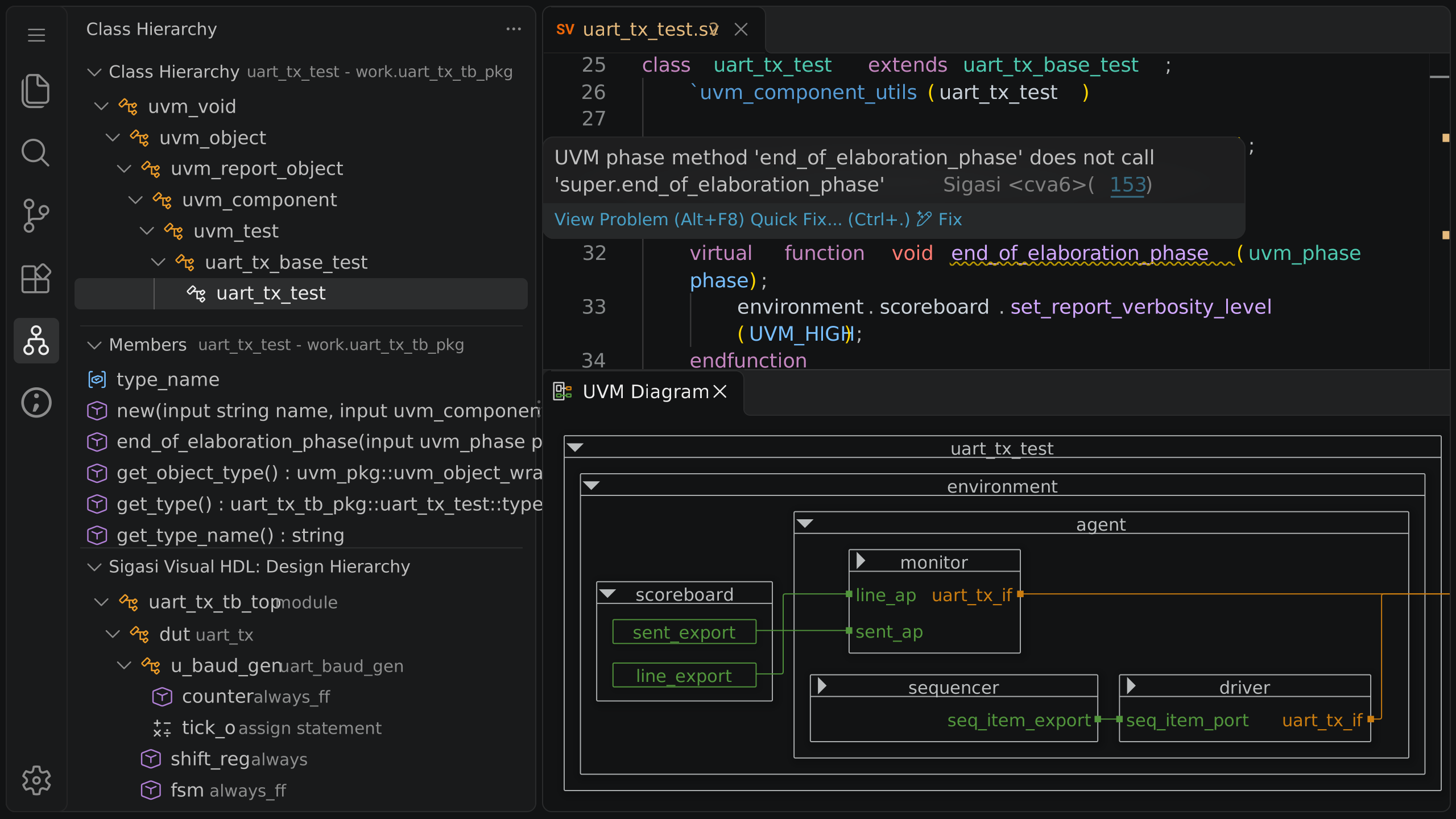
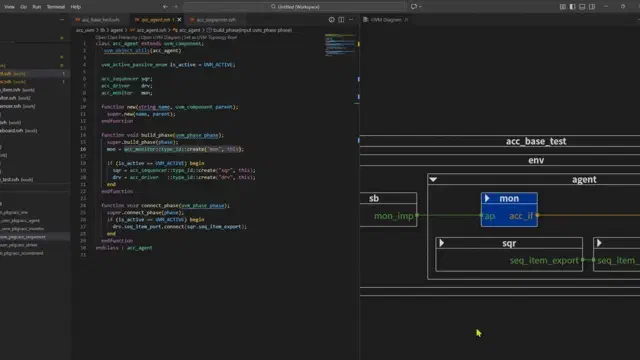
Work with verification code as part of the engineering project. Inspect UVM topology, navigate component relationships, visualize and run VUnit tests, and catch methodology-specific issues before they interrupt a simulation run.
- UVM-specific linting
- UVM topology and diagrams
- VUnit integration and test execution
Explore UVM support
→
05 / Configure real projectsStart with the project you already have.
Represent existing sources, libraries, and dependencies in a project setup shared amongst your team. Modular Projects support Vivado, VUnit and custom scripted workflows, cutting down on duplicated configurations and getting you started quickly.
- SystemVerilog, Verilog, and VHDL together
- Library mappings, include paths, and dependencies
- Modular Projects and supported project imports
Explore project setup
→
06 / Automate and documentCarry project knowledge into your workflow.
Use the Sigasi CLI to validate projects, export reports, and generate documentation in automated workflows. Share source-derived design information and compilation data with the people and tools that take the project forward.
- CLI analysis and machine-readable linting
- Source-derived documentation and diagrams
- Compilation order and recipe export
Explore CLI automation
→